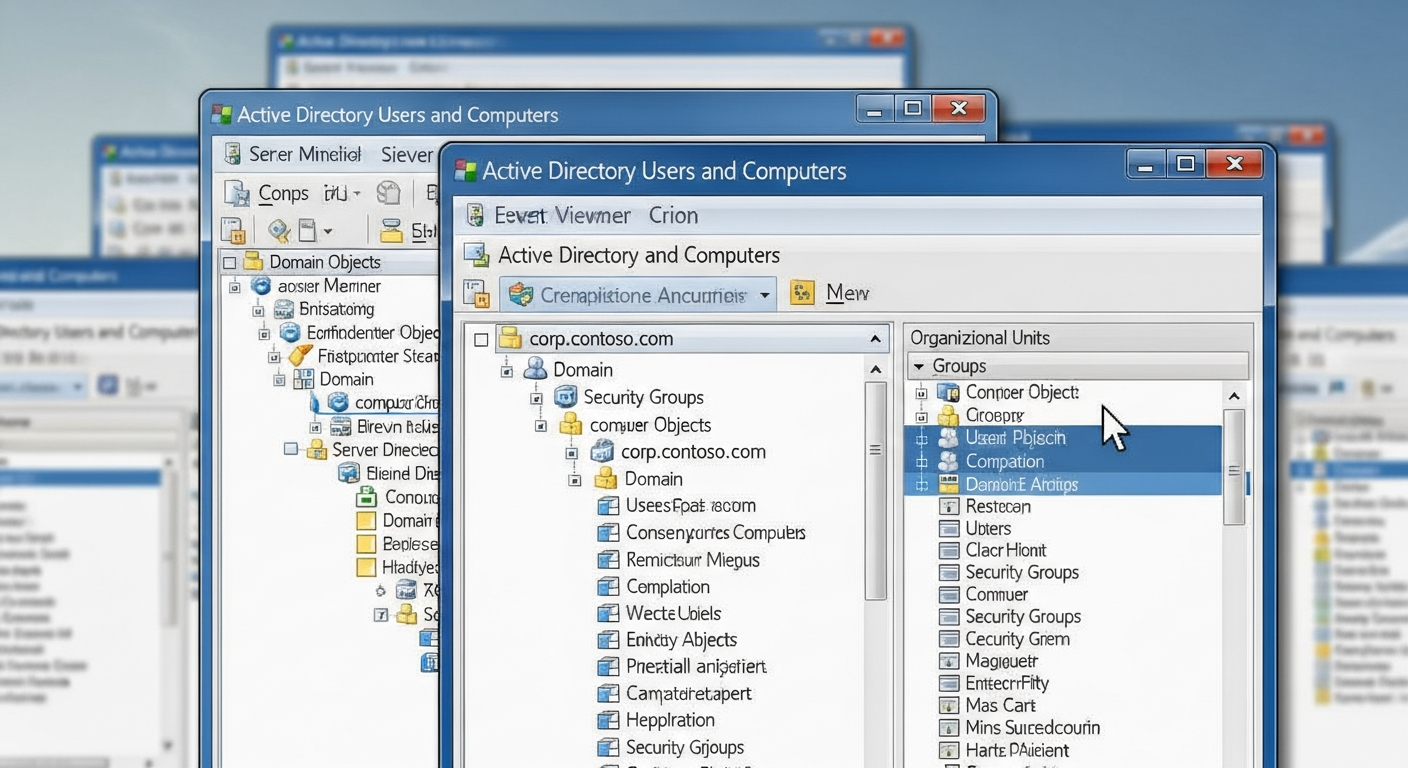
Setting Up Active Directory in a Homelab
How I set up a full Active Directory domain in my lab to practice enterprise identity management.
Why Active Directory
Active Directory (AD) is Microsoft's directory service, and it is the backbone of identity management in most enterprise environments. Understanding how AD works, how to configure it, and how to troubleshoot it is essential for anyone working in enterprise networking or cybersecurity.
I set up a full AD domain in my homelab to practice in an environment where mistakes are safe and learning is the priority.
The Setup
My AD lab runs on two Windows Server 2022 VMs. One is the primary domain controller, and the other is a secondary domain controller for redundancy. Both are running DNS, which is required for AD to function.
The domain is a standard .local domain (not best practice for production, but fine for a lab). I created organizational units (OUs) for servers, workstations, and users, and applied different Group Policy Objects (GPOs) to each.
Group Policy
Group Policy is where AD gets powerful. GPOs let you enforce configuration across every machine and user in the domain. I have policies for:
- Password complexity and rotation requirements
- Disabling USB storage on workstations
- Configuring Windows Firewall settings
- Deploying software packages automatically
- Restricting which users can log into specific machines
The GPO inheritance model takes some time to understand, but once you get it, you can manage hundreds of machines from a single console.
DNS Integration
AD depends heavily on DNS. Every domain controller registers SRV records that clients use to find the DC. If DNS is broken, AD is broken. I learned this the hard way when a misconfigured DNS forwarder caused domain joins to fail. The error messages were unhelpful, and it took significant time to trace the problem back to DNS.
Always check DNS first. If AD is not working, DNS is the most likely culprit.
Security Considerations
AD is a prime target in real-world attacks. Compromising a domain controller means owning the entire domain. In my lab, I practice common attack techniques (in an isolated environment) to understand how they work and how to defend against them. Kerberoasting, pass-the-hash, and DCSync are all things that work if AD is not configured carefully.
Understanding the attacks makes me better at configuring the defenses.