Apple's T2 Security Chip in the Mac Pro
What the T2 chip does in the Mac Pro, how it affects server use, and the tradeoffs between security and flexibility.
What the T2 Does
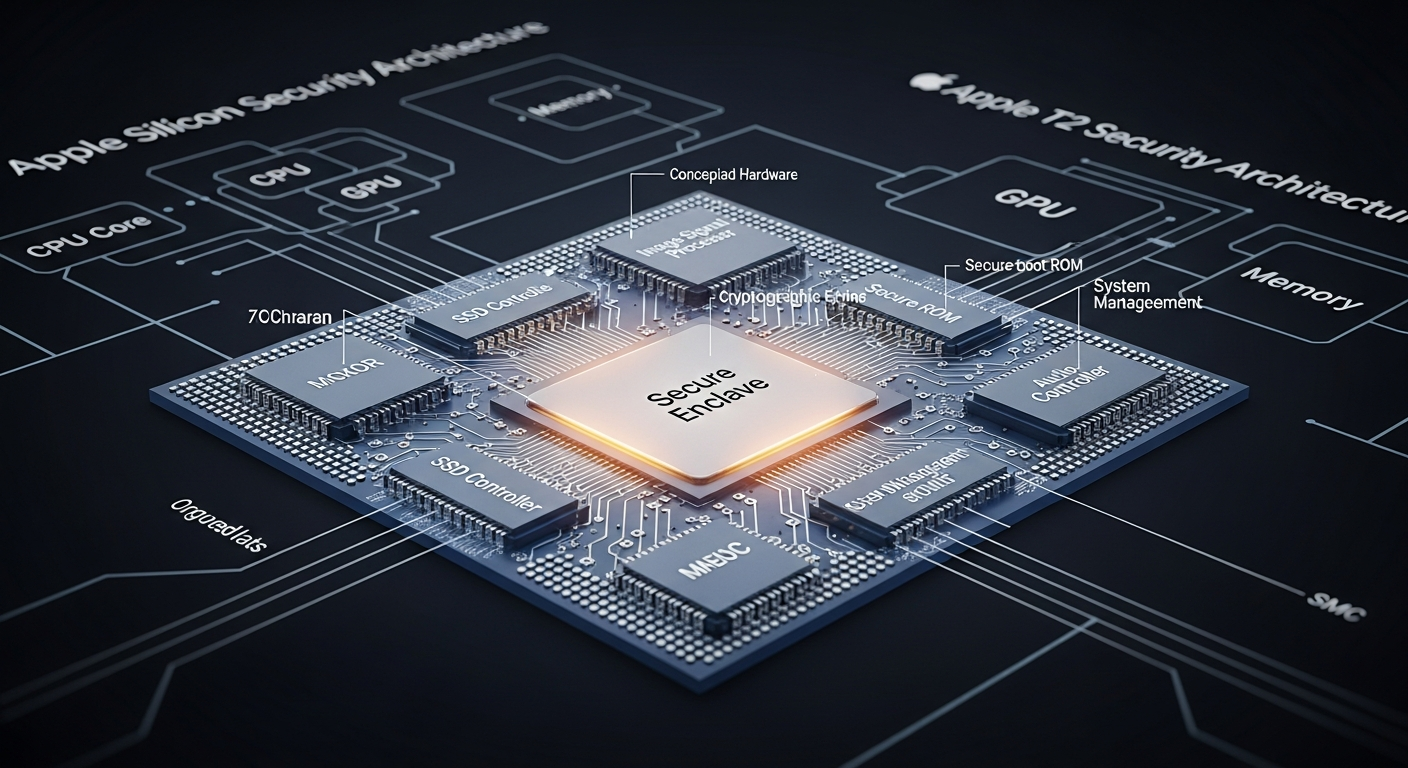
The T2 chip in the 2019 Mac Pro is a custom Apple silicon processor that handles several security and utility functions: Secure Boot, encrypted storage, audio processing, and the system management controller. It is essentially a separate computer inside your Mac that runs its own OS (bridgeOS) and manages hardware security.
Secure Boot
The T2 enforces Secure Boot, which means the Mac will only boot from a cryptographically signed operating system. By default, this means macOS. You can adjust the security level to "No Security" through the Startup Security Utility, which allows booting from external drives and non-Apple operating systems.
For server use, Secure Boot is a double-edged sword. It prevents rootkit-style attacks that modify the boot process, but it also makes it harder to run alternative operating systems or boot from custom recovery media.
Encrypted Storage
The T2 encrypts all data on the internal SSD using hardware AES-256 encryption. The encryption keys are tied to the T2 chip itself, which means the SSD cannot be read if removed from the Mac Pro and placed in a different machine.
This is great for security but terrible for data recovery. If the T2 chip fails, the data on the SSD is unrecoverable. This is why backups are non-negotiable on any T2-equipped Mac.
Impact on Linux
Running Linux on a T2-equipped Mac is possible but requires additional effort. The T2 controls the NVMe controller, the touch bar (on laptops), and the audio hardware. Linux support for T2 features has improved through community projects, but it is not seamless.
For the Mac Pro specifically, the T2's role is less intrusive because the Mac Pro does not have a touch bar. But Secure Boot configuration and SSD encryption still need to be considered.
The Tradeoff
The T2 chip represents Apple's philosophy of security through hardware control. It makes the Mac Pro more secure by default but less flexible. For a personal workstation, the security benefits probably outweigh the flexibility costs. For a server that might need to boot different operating systems or have its storage transplanted for recovery, the T2 adds constraints that traditional server hardware does not have.
In my lab, I keep the Mac Pro on its default macOS configuration and use my Dell servers for anything that needs OS flexibility. The T2 is a non-issue when you use the Mac Pro for what it was designed to do.