The 3-2-1 Backup Rule and How I Implement It
A practical guide to implementing a real backup strategy using the 3-2-1 rule with enterprise hardware.
The Rule
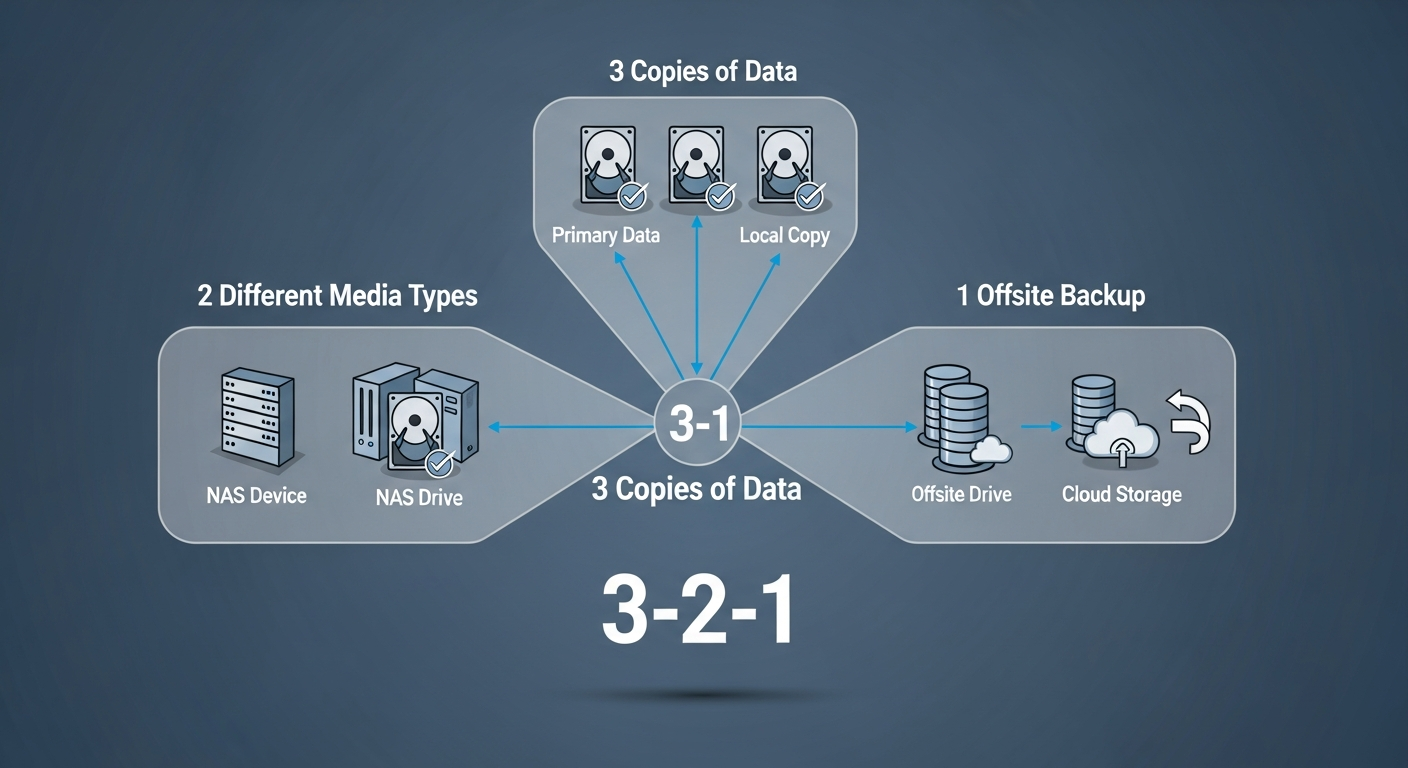
The 3-2-1 rule is simple: keep at least 3 copies of your data, on at least 2 different types of media, with at least 1 copy offsite. It has been the gold standard for backup strategy for decades, and it works.
In practice, this means your data exists on your primary storage, a local backup, and a remote backup. If any single thing fails (a drive, a server, a fire), you still have copies.
My Implementation
Copy 1: Primary storage. My data lives on ZFS pools across my Dell servers. ZFS provides checksumming and RAIDZ2 redundancy, so it handles drive failures gracefully. But RAID is not a backup. If I accidentally delete a file, RAID will happily delete it from every drive.
Copy 2: Local backup. I use Proxmox Backup Server to take daily backups of all VMs and LXC containers. These backups are stored on a separate server with its own ZFS pool. The backups are deduplicated and compressed, so storage efficiency is excellent.
Copy 3: Offsite backup. Critical data is replicated to an offsite location using ZFS send/receive over an encrypted SSH tunnel. This handles the scenario where my entire lab is physically destroyed (fire, theft, natural disaster).
Testing Backups
A backup you have never tested is not a backup. I schedule quarterly restore tests where I pick a random VM backup and restore it to a test environment. If the restore works and the VM boots cleanly, the backup is valid. If it does not, I fix the backup process immediately.
Retention
I keep daily backups for 30 days, weekly backups for 12 weeks, and monthly backups for 12 months. This gives me flexibility to recover from problems that are discovered long after they occurred. A ransomware infection that encrypted files two weeks ago would need a backup from before the infection.
Automation
All of this is automated. Backups run on schedules, retention policies are enforced automatically, and I get email alerts if a backup fails. The only manual part is the quarterly restore test, and even that could be automated if I wanted to invest the time.