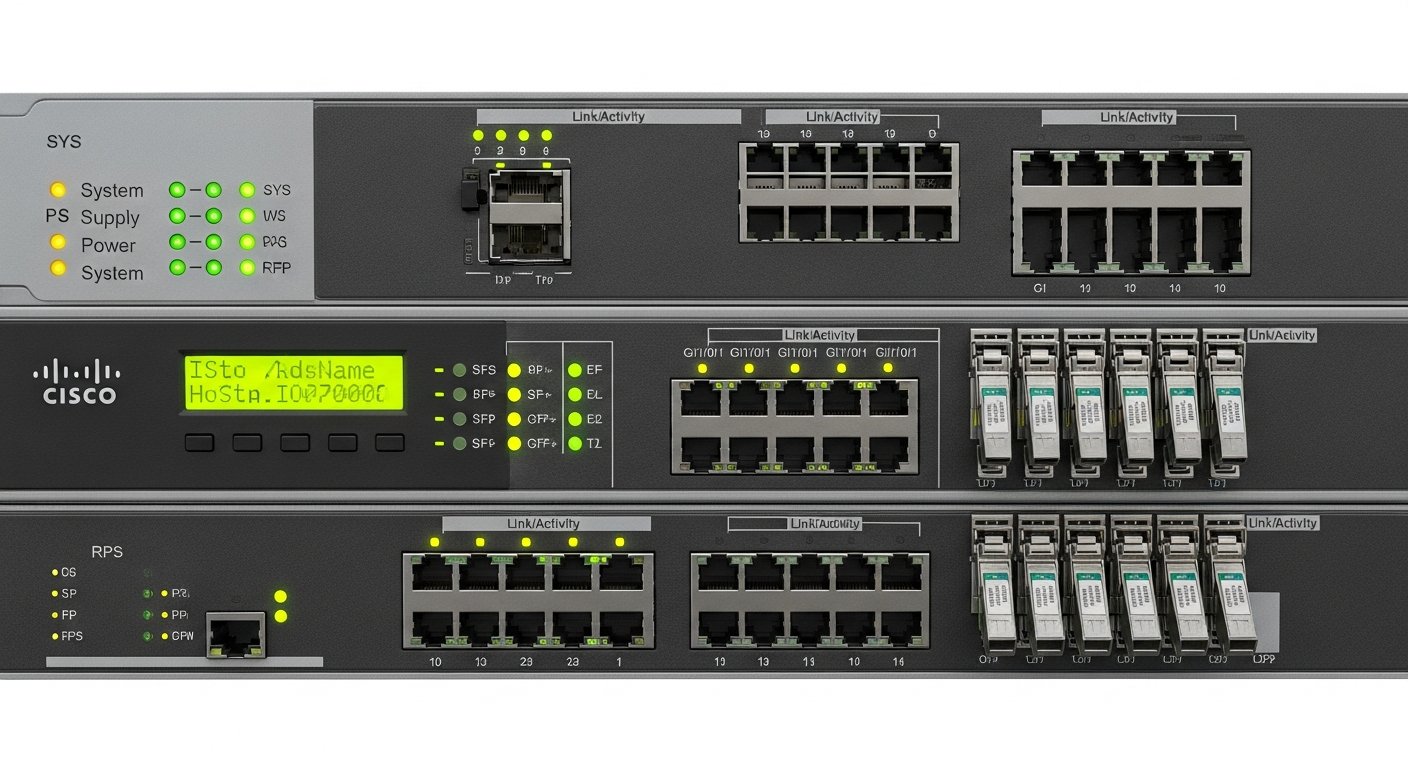
Cisco Switching Fundamentals Every Network Engineer Needs
The core switching concepts I learned on Cisco hardware and use every day in my lab environment.
Why Cisco
Cisco is still the most widely deployed networking vendor in enterprise environments. Learning Cisco CLI, IOS configuration, and Cisco-specific features is directly transferable to real-world jobs. I run Cisco switches in my lab for exactly this reason.
The CLI
Cisco IOS uses a hierarchical CLI with different privilege levels. You start in user EXEC mode, move to privileged EXEC mode with enable, and enter configuration mode with configure terminal. Every configuration change happens in this global configuration mode or a sub-mode.
Switch> enable
Switch# configure terminal
Switch(config)# hostname LabSwitch
LabSwitch(config)# exit
The CLI is text-based and powerful. Once you learn the command structure, configuration is fast and repeatable.
Spanning Tree Protocol
STP prevents loops in switched networks. Without STP, a single cable plugged into two ports on the same switch would create a broadcast storm that takes down the entire network. I have seen it happen in lab environments, and it is not subtle. The network goes from working to completely dead in seconds.
Understanding STP means knowing which switch is the root bridge, how path costs determine which ports forward and which ports block, and how convergence works when the topology changes.
Port Security
Port security limits which MAC addresses can use a switch port. In a lab, I use it to prevent unknown devices from connecting to sensitive VLANs. In production environments, it is a basic access control mechanism.
LabSwitch(config-if)# switchport port-security
LabSwitch(config-if)# switchport port-security maximum 2
LabSwitch(config-if)# switchport port-security violation restrict
EtherChannel
EtherChannel bundles multiple physical links into a single logical link. This provides both increased bandwidth and redundancy. If one physical link fails, the EtherChannel continues working on the remaining links.
I use LACP (Link Aggregation Control Protocol) EtherChannels between my switches to provide 2 Gbps aggregated links with automatic failover.
Saving Configuration
One of the most common mistakes on Cisco switches is forgetting to save the configuration. The running configuration is in memory and will be lost if the switch reboots. Always save with copy running-config startup-config or the shorthand write memory.