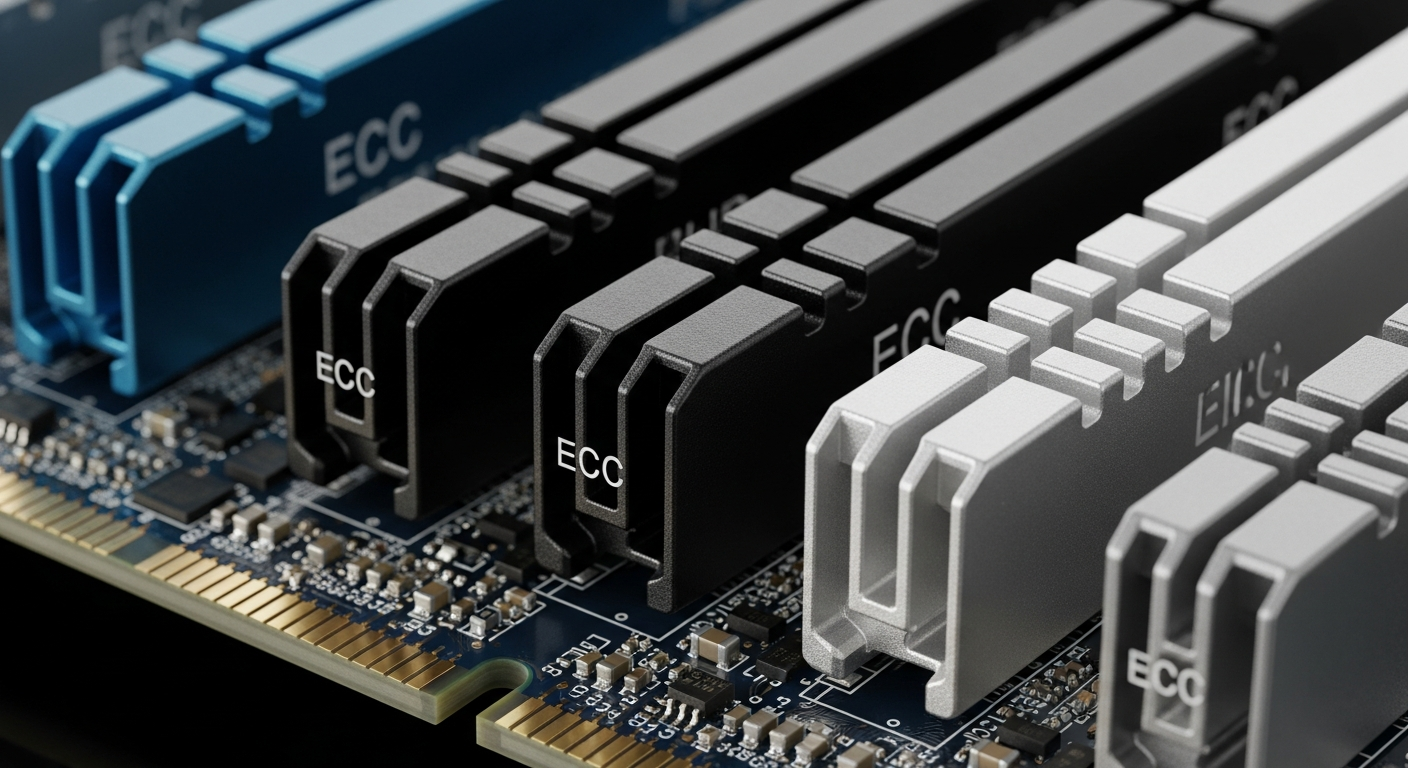
ECC RAM: What It Is and Why Servers Use It
A practical explanation of ECC memory, why it matters for servers, and when you actually need it.
What ECC Does
ECC stands for Error-Correcting Code. Standard desktop RAM (non-ECC) can detect some memory errors but cannot fix them. ECC RAM adds an extra bit per byte that allows the memory controller to detect and correct single-bit errors automatically, and detect (but not correct) double-bit errors.
Single-bit errors happen more often than you might think. Cosmic rays, electrical noise, and manufacturing imperfections can all flip a bit in memory. On a desktop, this might cause a crash or a corrupted file once in a while. On a server running 24/7 with terabytes of RAM, the probability of a bit flip becomes a near certainty over time.
Why Servers Need It
Servers store critical data in memory. Database pages, file system caches, VM memory, and application state all live in RAM. A single flipped bit in a database page could corrupt a record. A flipped bit in a file system write could silently damage data on disk.
ECC memory prevents this by catching and fixing errors before they can cause damage. The correction happens transparently, with no performance penalty and no software involvement. The server logs the correction so administrators can monitor memory health, and if a DIMM starts throwing too many errors, it can be replaced before it fails completely.
The Performance Question
ECC RAM is often slightly slower than non-ECC RAM because of the additional error-checking overhead. In practice, the difference is negligible for server workloads. We are talking about single-digit percentage differences in memory bandwidth, which almost never matters for real applications.
The bigger factor is that server-class ECC DIMMs (RDIMMs and LRDIMMs) run at specific speeds that are often lower than what consumer DDR4 or DDR5 achieves. But servers compensate with more memory channels and more DIMMs, so total bandwidth is usually higher than a consumer system despite the lower per-DIMM speed.
When You Need It
If you are running workloads where data integrity matters (databases, file servers, ZFS, virtualization), use ECC. ZFS in particular strongly recommends ECC RAM because it relies on the integrity of its in-memory data structures to maintain data consistency.
For a homelab, ECC is a strong recommendation but not an absolute requirement. If you are running ZFS or storing data you care about, get ECC. If you are just experimenting with VMs and do not mind the occasional crash, non-ECC will work, but you are accepting a risk that grows with the amount of RAM in the system.