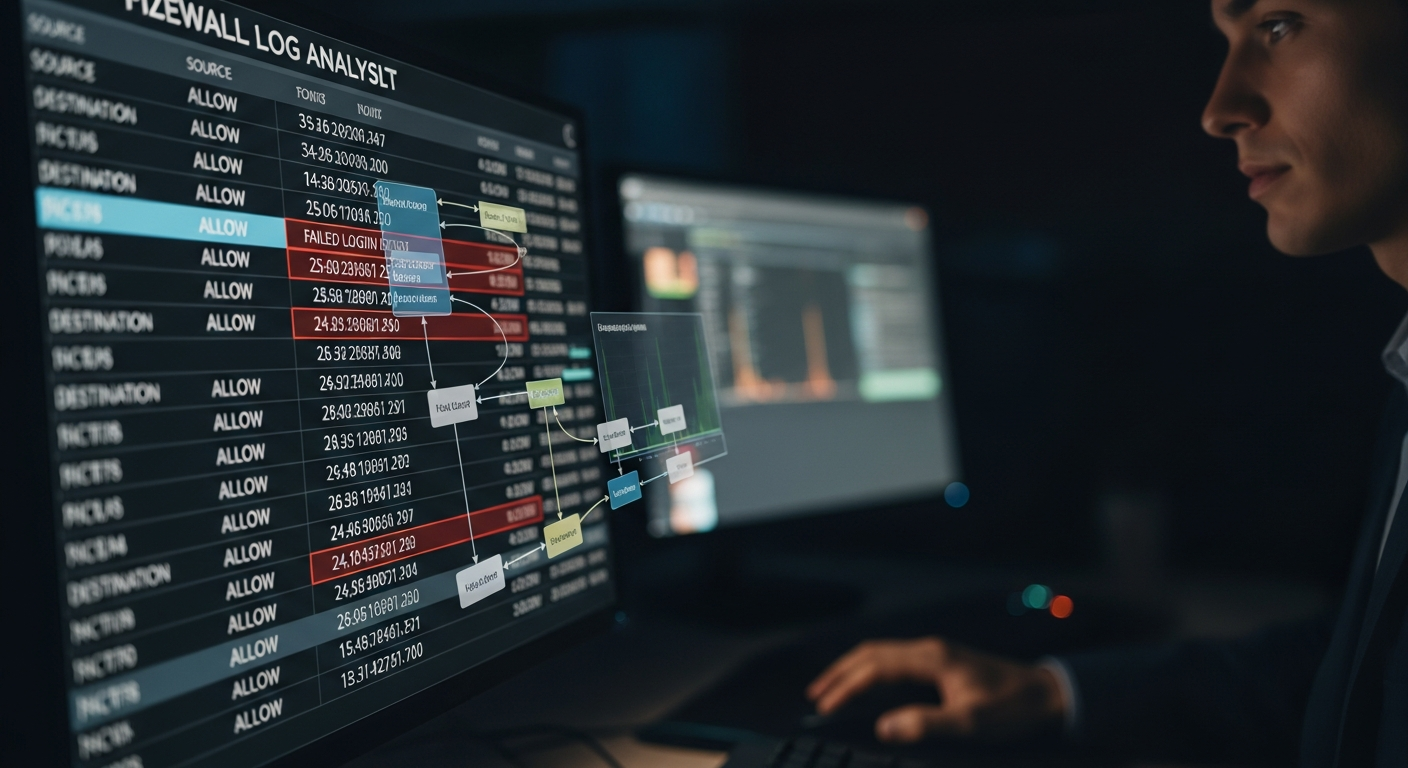
Firewall Log Analysis: Finding What Matters
Firewall logs contain enormous volumes of data. Here is how to analyze them effectively to find real security events without drowning in noise.
The Volume Problem
A firewall in a medium-sized network generates millions of log entries per day. Looking at raw logs is not practical. Effective log analysis means knowing what to look for, reducing noise, and using tools to surface anomalies automatically.
Start with Denies
Allowed traffic is mostly expected. Denied traffic is interesting. Start your analysis there. What is being blocked, and why? Is something trying to reach a destination it should not? Is internal traffic trying to reach an external IP that looks suspicious?
# Extract denied connections from FortiGate syslog
grep "action=deny" /var/log/fortigate/traffic.log |   awk '{print $6, $7, $8}' | sort | uniq -c | sort -rn | head -50
Identify Traffic Patterns
Look for traffic patterns that do not match business activity:
- After-hours traffic: A server initiating many connections to external IPs at 3 AM is suspicious
- Port scanning: A source hitting many different destination ports in a short time
- Repeated authentication failures: Brute force attempts against exposed services
- DNS tunneling indicators: Unusually long DNS queries or high query volumes to a single domain
Baseline Normal
You cannot identify anomalies without knowing what normal looks like. Spend time understanding your baseline: which servers connect to the internet, on which ports, at what volumes. When something deviates from baseline, investigate.
Automation with SIEM
Manual log analysis does not scale. Feed firewall logs into a SIEM (Wazuh, Splunk, or Elastic). Write correlation rules that alert when patterns suggesting attacks occur:
- Same source hitting 20+ different internal IPs in five minutes
- Any traffic from an internal server to a known-malicious IP
- Multiple failed authentications followed by a successful one
The Follow-Through
An alert is only valuable if someone acts on it. Build a workflow: alerts generate tickets, tickets get investigated, findings get documented. Close the loop on every alert, even if the finding is "false positive, tuned rule."