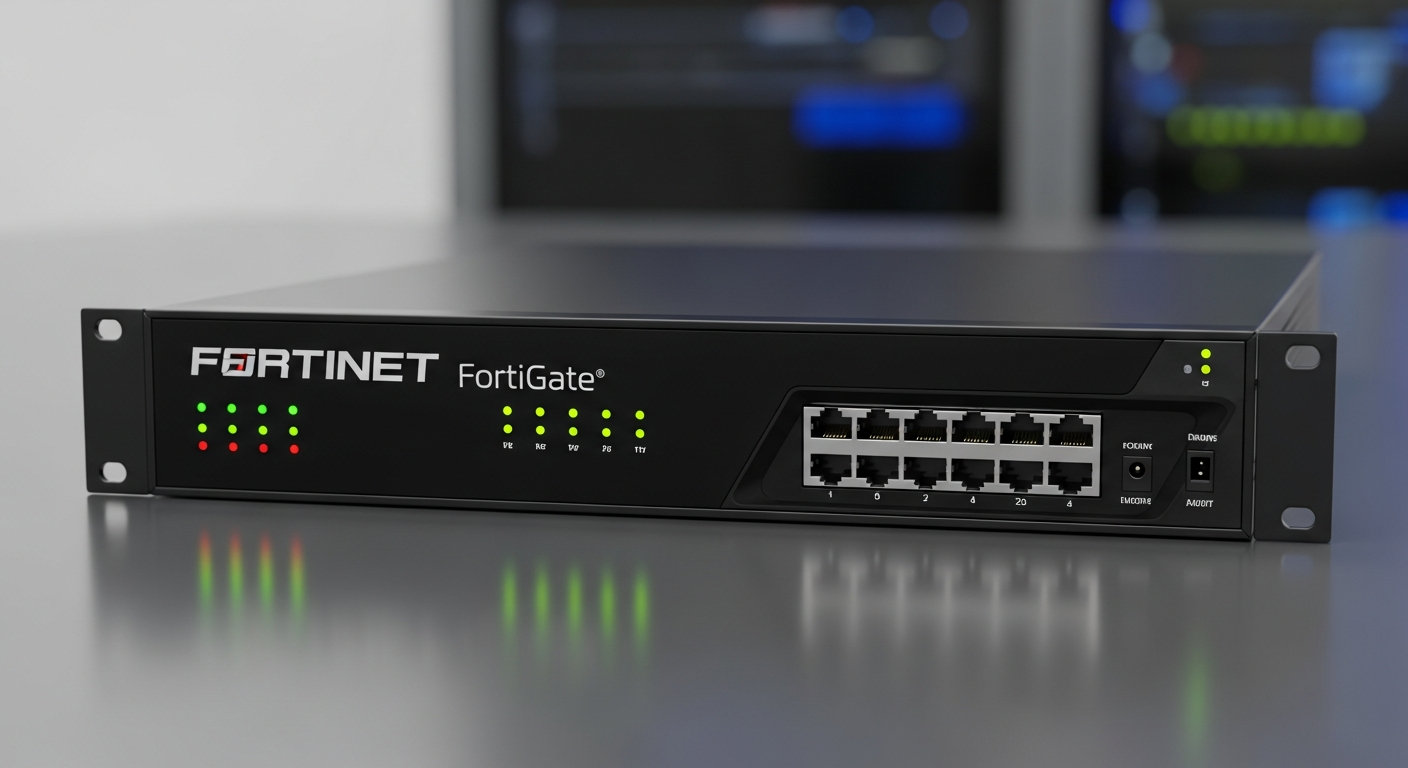
Running a FortiGate Firewall in a Homelab
Why I chose Fortinet for my home network firewall and how I configured it for a segmented lab environment.
Why Fortinet
I chose a FortiGate firewall for my homelab because Fortinet is widely used in enterprise environments, and learning it on real hardware translates directly to professional skills. The FortiOS interface is intuitive once you learn it, and the documentation is thorough.
I picked up a FortiGate 60F, which is designed for small office deployments but has more than enough throughput for a homelab. It supports hardware-accelerated firewall inspection, VPN, IPS (Intrusion Prevention System), and web filtering.
Initial Setup
The first thing I did was configure the interfaces. The WAN port connects to my ISP modem. The internal ports are configured as a switch group that connects to my core switch. I also created sub-interfaces for each VLAN, so the FortiGate handles inter-VLAN routing and firewall policy enforcement.
config system interface
  edit "VLAN10-Mgmt"
    set vdom "root"
    set ip 10.0.10.1 255.255.255.0
    set allowaccess ping https ssh
    set interface "internal"
    set vlanid 10
  next
end
Firewall Policies
FortiGate firewall policies are evaluated top-to-bottom. Each policy specifies source interface, destination interface, source address, destination address, service, and action (accept or deny). I created explicit policies for every allowed traffic flow and have an implicit deny-all at the bottom.
The key policies in my setup allow management traffic to reach all VLANs, server-to-internet traffic for updates and external services, and user-to-server traffic for specific services. Everything else is denied by default.
Logging and Monitoring
FortiGate logs every session that matches a firewall policy. I review these logs regularly to understand traffic patterns and catch anything unexpected. The FortiView dashboard gives real-time visibility into what is happening on the network, including top talkers, most-used applications, and threat detections.
What I Have Learned
Working with a FortiGate taught me how enterprise firewall management actually works. Writing policies forces you to think about traffic flows explicitly. You cannot just allow everything and hope for the best. You have to understand what should be allowed, what should be denied, and why.
The IPS features have also caught real threats. Even in a homelab, there is scanning and probing from the internet, and having a device that detects and blocks it gives you visibility into what is actually happening on your perimeter.