Dell iDRAC Advanced Features You Should Be Using
Most people use iDRAC for basic console access and power control. Here are the features that make it genuinely powerful for server management.
Beyond Basic Remote Access
iDRAC (Integrated Dell Remote Access Controller) ships with every current Dell PowerEdge server and provides a level of remote management that goes far beyond a simple console. If you are only using it for KVM and power control, you are missing most of what it can do.
Lifecycle Controller
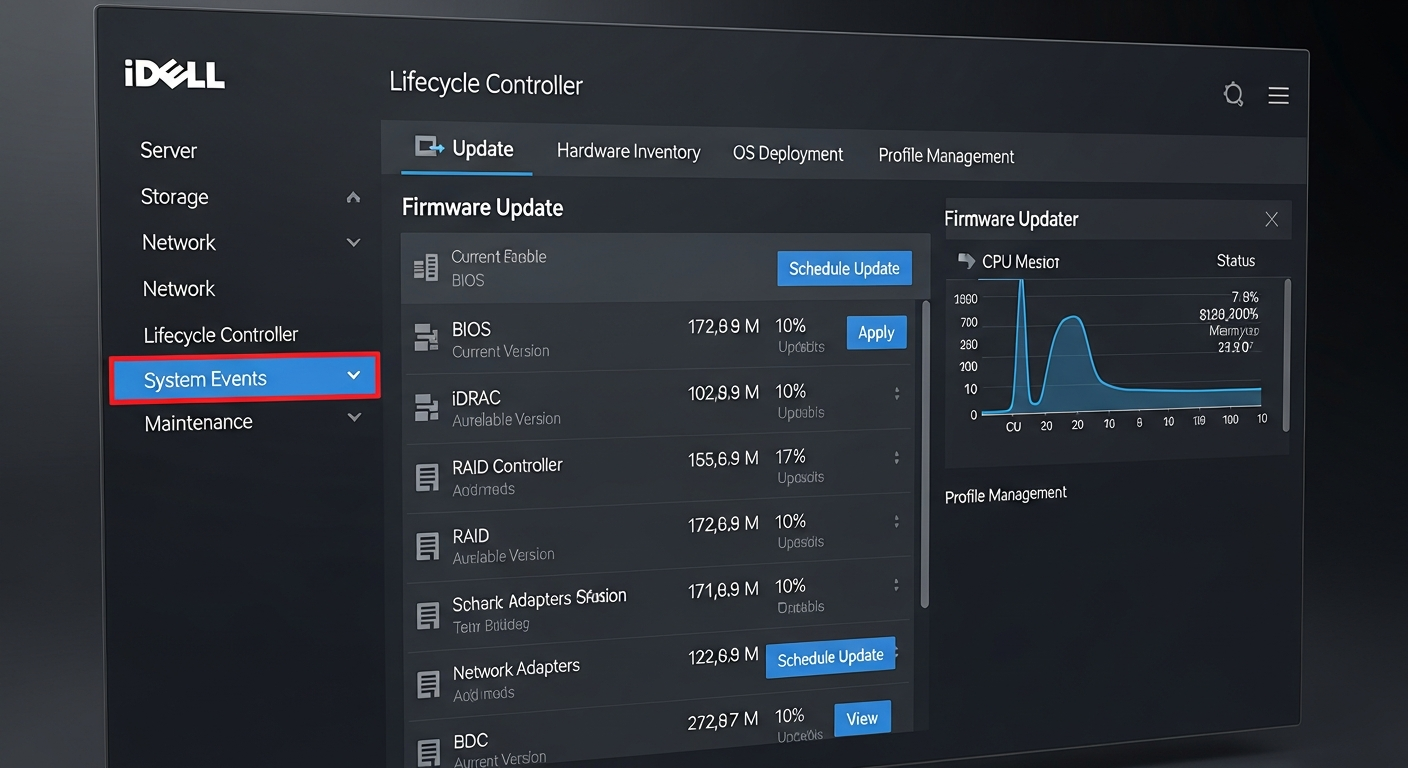
The Lifecycle Controller is a firmware-based management environment that runs independently of the OS. You can:
- Update firmware for all components (BIOS, iDRAC, PERC, NICs) without an OS
- Perform OS deployments via Dell OpenManage integration
- Configure RAID arrays before installing an OS
- Run hardware diagnostics
Access it by pressing F10 during POST or from the iDRAC web interface under Maintenance.
SupportAssist and Proactive Monitoring
SupportAssist monitors hardware health and can automatically open support cases with Dell when hardware failures are detected. For a homelab this is not useful, but in a production environment it means you can get a replacement drive or PSU on the way before you even look at your monitoring dashboard.
iDRAC REST API
iDRAC supports the Redfish API standard, which allows programmatic management:
# Get system information
curl -k -u admin:password   https://idrac-ip/redfish/v1/Systems/System.Embedded.1

# Power on the server
curl -k -u admin:password -X POST   -H "Content-Type: application/json"   -d '{"ResetType":"On"}'   https://idrac-ip/redfish/v1/Systems/System.Embedded.1/Actions/ComputerSystem.Reset
This enables automation: deploy scripts that configure servers, update firmware, and verify health checks without human interaction.
Group Manager
In environments with multiple Dell servers, iDRAC Group Manager provides a unified view of all servers from a single interface. Monitor health, deploy firmware updates, and export inventory data across your entire fleet from one pane.
Alert Configuration
Configure iDRAC alerts to notify you immediately when hardware events occur. Options include email, SNMP traps, and syslog. Set up alerts for: drive failures, PSU failures, temperature warnings, memory errors, and POST errors. Do not wait to find out about hardware failures through a monitoring system with a five-minute polling interval.