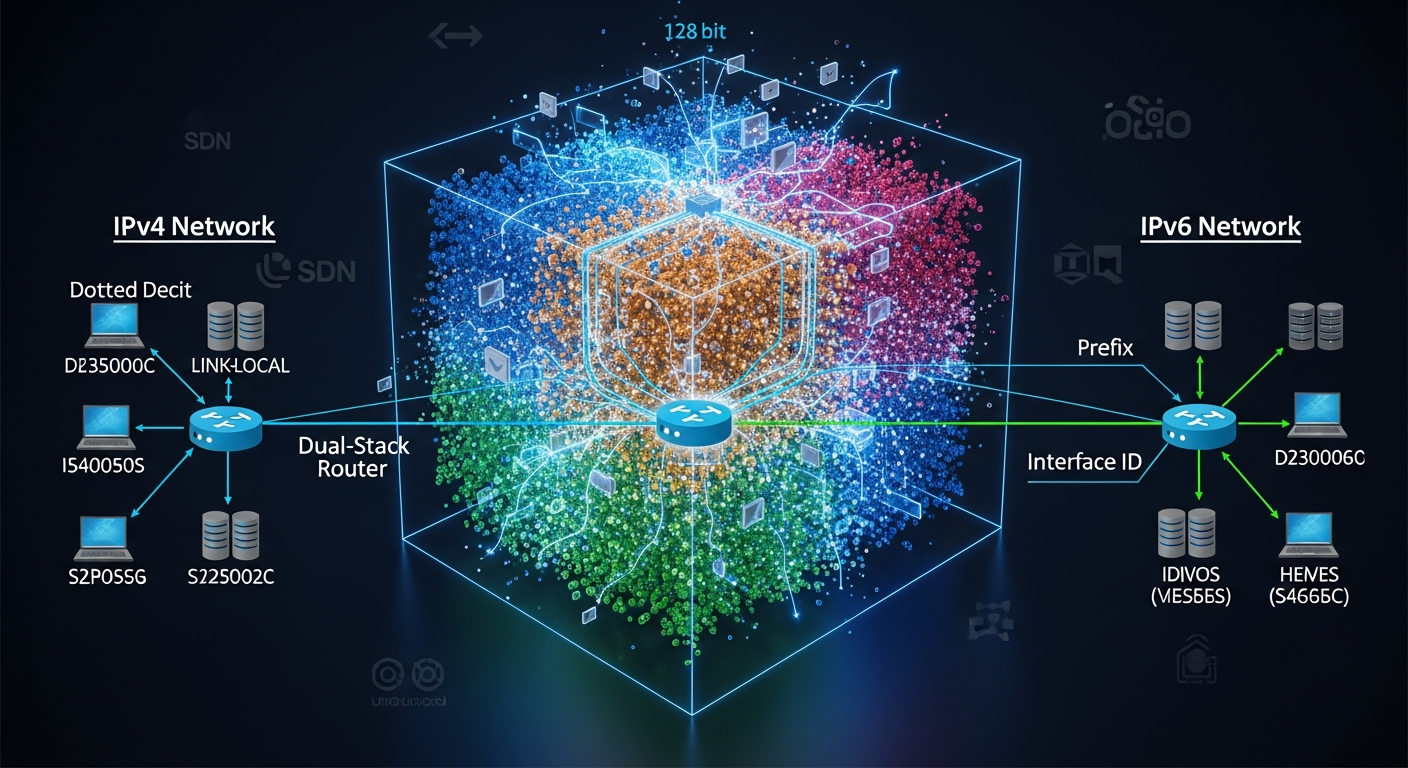
IPv6 in the Real World: What Actually Changes
IPv6 has been 'the future' for decades. Here is how it actually works in practice and what you need to know when you encounter it.
Why IPv6 Exists
IPv4 has approximately 4.3 billion addresses. The internet has more than 4.3 billion devices connected to it. The math does not work without NAT, and NAT creates its own complexity and problems. IPv6 solves this with a 128-bit address space that provides enough addresses for every device that will ever exist, many times over.
The Address Space
An IPv6 address looks like this: 2001:db8:85a3::8a2e:370:7334. It is 128 bits expressed in eight groups of four hexadecimal digits, separated by colons. Consecutive groups of zeros can be abbreviated with ::.
A typical IPv6 prefix for a network segment is /64, which gives you 18 quintillion possible addresses on that segment. The idea of running out of addresses on a single subnet is gone.
What Changes for Network Configuration
No more NAT (mostly): With enough addresses for every device to have a globally routable address, NAT is no longer necessary. Devices can communicate end-to-end directly.
Stateless Address Autoconfiguration (SLAAC): Devices can self-configure IPv6 addresses based on the network prefix advertised by routers. DHCP is still used in many enterprise environments, but SLAAC simplifies device configuration.
Link-local addresses: Every IPv6 interface automatically gets a link-local address (fe80::/10) that is used for on-link communication without needing global routing.
Neighbor Discovery Protocol (NDP): NDP replaces ARP for address resolution on local segments.
What Stays the Same
Routing, firewall rules, VLANs, and most other networking concepts work the same way. You apply them to IPv6 addresses instead of IPv4 addresses. Your firewall still needs rules. Your switches still handle frames the same way. The mental model transfers directly.
Getting Started
Most enterprise environments now operate dual-stack, running both IPv4 and IPv6 simultaneously. Start by enabling IPv6 on your homelab router, get a prefix delegation from your ISP if available, and experiment with connectivity. The best way to learn IPv6 is to use it.