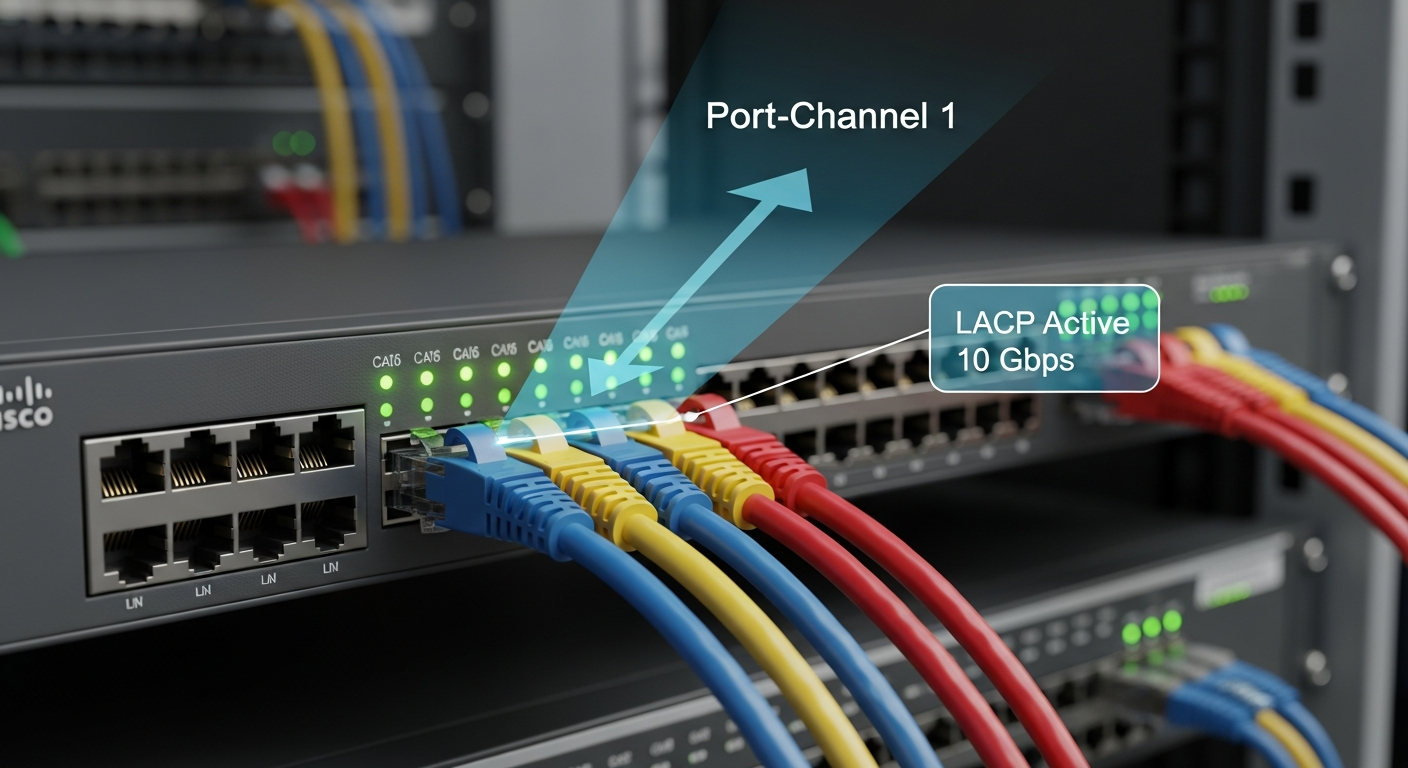
LACP and Link Aggregation: Combining Links for More Bandwidth
Link aggregation combines multiple physical links into a single logical link. Here is how LACP works and how to configure it correctly.
What Link Aggregation Does
Link Aggregation (also called bonding on Linux, or an EtherChannel on Cisco) combines multiple physical Ethernet links into a single logical interface. The benefits are increased bandwidth and redundancy. If one physical link fails, traffic automatically flows through the remaining links.
LACP (Link Aggregation Control Protocol, IEEE 802.3ad) is the standard protocol for negotiating link aggregation between two devices. Both ends send LACP PDUs to establish and maintain the aggregate.
How Hashing Works
Link aggregation does not actually bond the links into a single higher-speed pipe for individual flows. Instead, traffic is distributed across links using a hashing algorithm. Common hash inputs:
- Layer 2 (src/dst MAC): Distributes based on source and destination MAC
- Layer 3 (src/dst IP): Better distribution for multi-host environments
- Layer 4 (src/dst IP + port): Best distribution for high-traffic flows between few hosts
A single TCP connection always flows over a single physical link. You cannot exceed the speed of one link for a single stream. The benefit is total throughput across many flows.
Cisco Configuration
interface Port-channel1
  description TRUNK_TO_SERVER
  switchport mode trunk

interface GigabitEthernet1/0/1
  channel-group 1 mode active

interface GigabitEthernet1/0/2
  channel-group 1 mode active
Linux Configuration (systemd-networkd)
# /etc/systemd/network/bond0.netdev
[NetDev]
Name=bond0
Kind=bond

[Bond]
Mode=802.3ad
LACPTransmitRate=fast
TransmitHashPolicy=layer3+4

# /etc/systemd/network/bond0.network
[Match]
Name=bond0

[Network]
Address=192.168.1.100/24
Gateway=192.168.1.1
Troubleshooting
Check that both sides are in the same LACP mode (active/active or active/passive, not passive/passive which will not negotiate). Verify speed and duplex match on all member links. Check that the switch port channel is up and members are showing as bundled.