Linux Server Hardening: The Basics That Matter
The fundamental security configurations I apply to every Linux server in my lab, and why each one matters.
Start with Updates
The single most important thing you can do for server security is keep it updated. Unpatched vulnerabilities are how most systems get compromised. I run unattended-upgrades on all my Debian/Ubuntu servers for security patches, and I schedule a maintenance window monthly for larger updates that require reboots.
apt update && apt upgrade -y
apt install unattended-upgrades
dpkg-reconfigure -plow unattended-upgrades
SSH Configuration
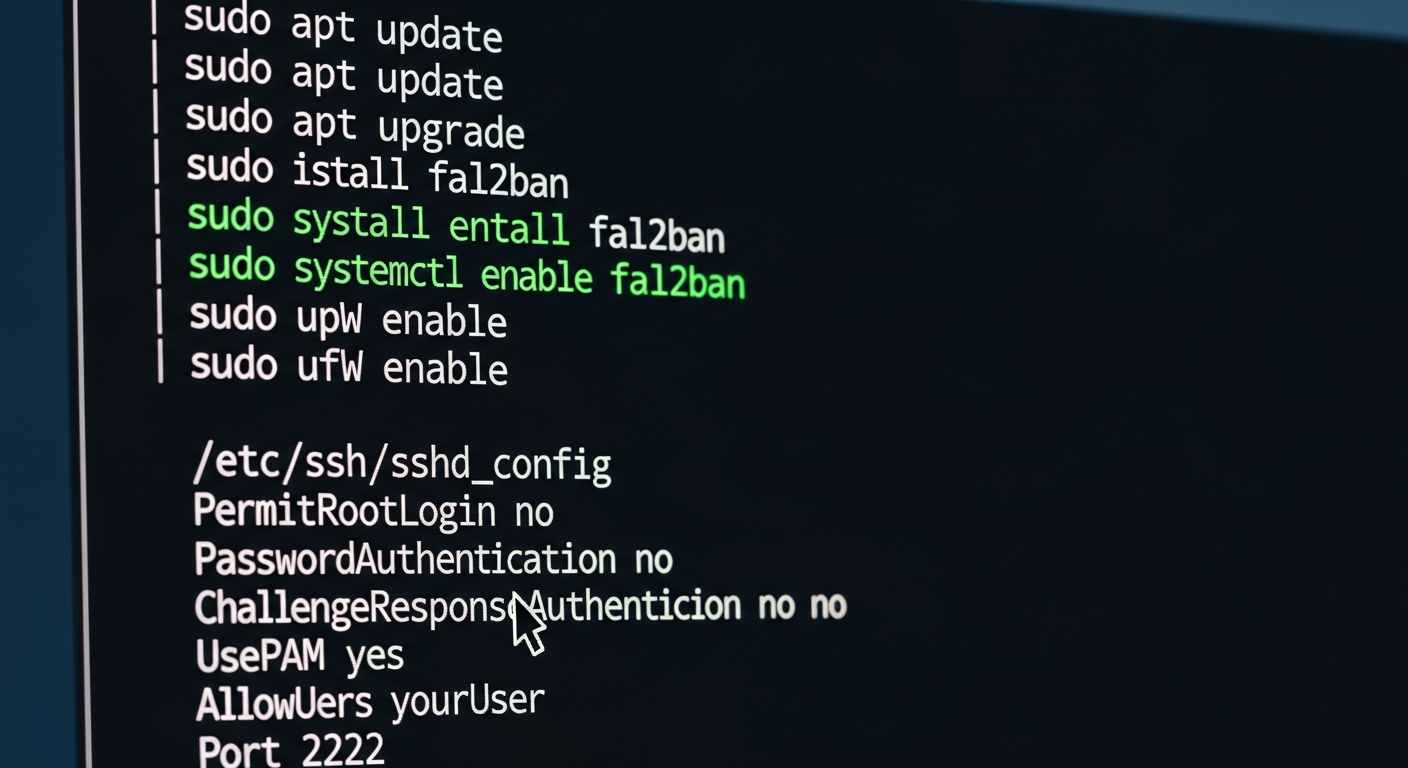
SSH is usually the primary way you access a server, which makes it the primary target for attackers. My SSH hardening configuration:
- Disable root login:
PermitRootLogin no - Use key-based authentication only:
PasswordAuthentication no - Change the default port (not security, but reduces noise)
- Limit which users can SSH in:
AllowUsers maxdoubin - Use fail2ban to block brute force attempts
Firewall
I use ufw (Uncomplicated Firewall) or iptables depending on the distribution. The principle is simple: deny everything by default, then explicitly allow only the traffic you need.
ufw default deny incoming
ufw default allow outgoing
ufw allow from 10.0.10.0/24 to any port 22
ufw enable
This allows SSH only from my management VLAN and blocks everything else inbound.
User Management
Every person gets their own account. No shared accounts, no sharing passwords. Sudo is configured so users can elevate privileges when needed, and all sudo usage is logged.
I also disable any accounts that are not actively needed. Default service accounts that ship with the OS or installed packages get locked.
Logging
I send all system logs to a central syslog server using rsyslog. This means that even if a server is compromised and the attacker clears local logs, the copies on the syslog server are intact.
Log everything. Disk space is cheap. Missing logs during an incident investigation is expensive.
File Permissions
Review file permissions on sensitive files. /etc/shadow should only be readable by root. SSH keys should be 600. Configuration files should not be world-readable if they contain credentials.
These are basics, but basics done consistently are more valuable than advanced techniques done sporadically.