How I Approach Log Analysis for Troubleshooting
My methodology for analyzing logs to find problems, with examples from real troubleshooting sessions.
Logs Tell the Truth
When a system is misbehaving, logs are the first place I look. Unlike user reports or symptoms, logs provide objective, timestamped records of what the system actually did. They do not lie (though they can be incomplete or misleading if you do not know what you are looking at).
My Process
- Define the problem clearly. What broke? When did it start? What changed?
- Identify which logs to check. System logs, application logs, authentication logs, and network device logs each tell different parts of the story.
- Narrow the time window. If the problem started at 2:30 PM, focus on logs from 2:15 PM to 2:45 PM. Looking at hours of logs wastes time.
- Search for errors and warnings first. Grep for ERROR, WARN, FAIL, and DENIED. These keywords surface the most relevant entries quickly.
- Expand from there. Once you find a relevant log entry, look at the entries before and after it for context.
Tools
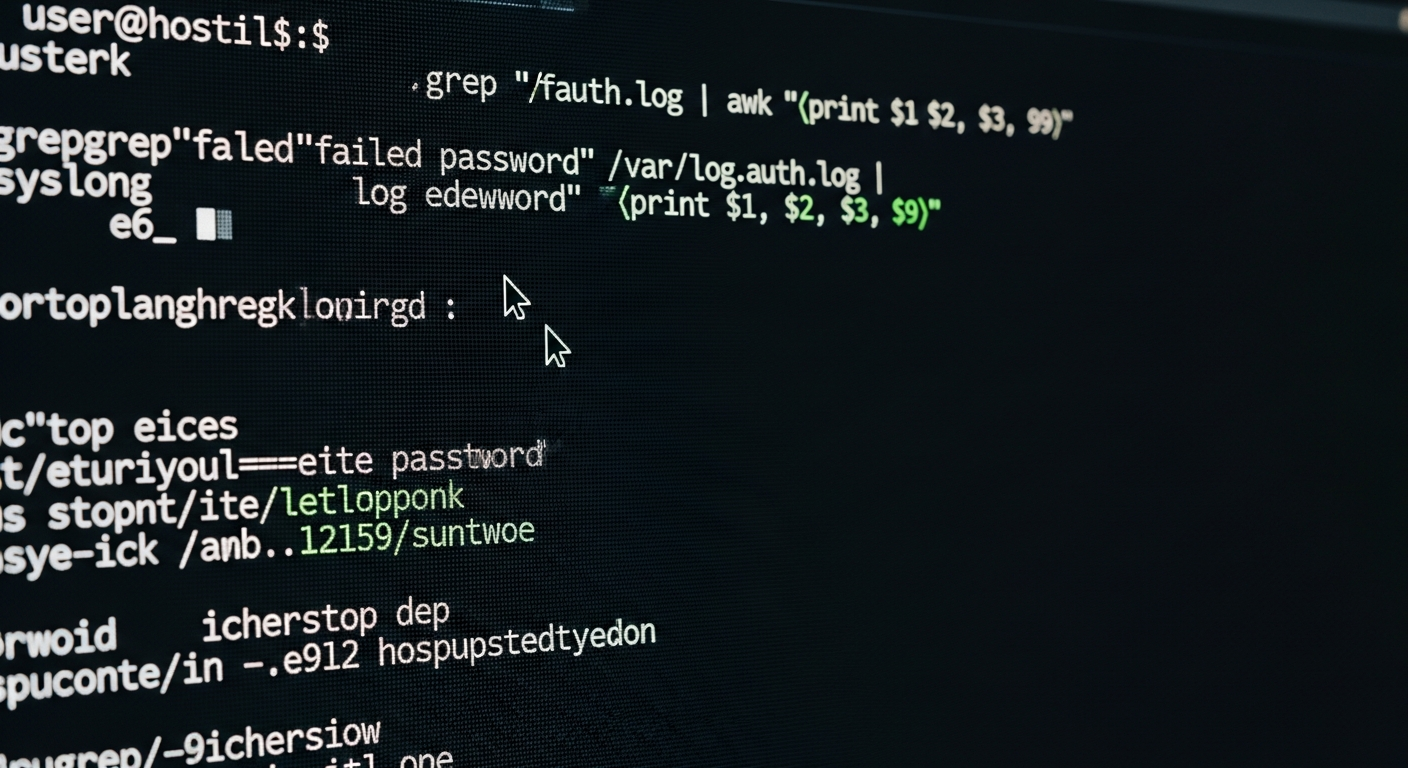
For quick searches, I use grep and awk on the command line:
grep -i "error" /var/log/syslog | tail -50
journalctl --since "2026-02-10 14:00" --until "2026-02-10 15:00"
For more complex analysis, I pipe log data into Python scripts that parse timestamps, extract fields, and aggregate patterns.
Common Patterns
Some log patterns I have learned to recognize immediately:
- Rapid repeated authentication failures: Brute force attempt or misconfigured service.
- Disk I/O errors: Failing drive. Check SMART data and replace.
- Connection refused messages: Service is not running, port is blocked, or wrong IP.
- Out of memory (OOM) kills: A process consumed too much RAM and the kernel killed it. Need more memory or the application has a memory leak.
Centralized Logging
Checking logs on individual servers is fine for a few machines. Once you have more than five, centralized logging is essential. I send all syslog data to a central server where I can search across all machines from one interface. This also means I have log copies even if the original server's logs are lost.
The NCL Connection
Log analysis is a major category in the National Cyber League competition. The skills transfer directly: you get a set of logs and need to extract specific information, identify attacks, and answer questions about what happened. The methodology is identical to real-world troubleshooting.