Expanding Storage on the Mac Pro
The options for adding storage to a Mac Pro, from internal NVMe to Thunderbolt expansion and network-attached storage.
The Challenge
The Mac Pro does not have traditional drive bays like a PowerEdge. Internal storage options are limited to Apple's proprietary SSD modules and PCIe NVMe cards. If you need significant storage capacity, you need to look beyond the chassis.
Internal Options
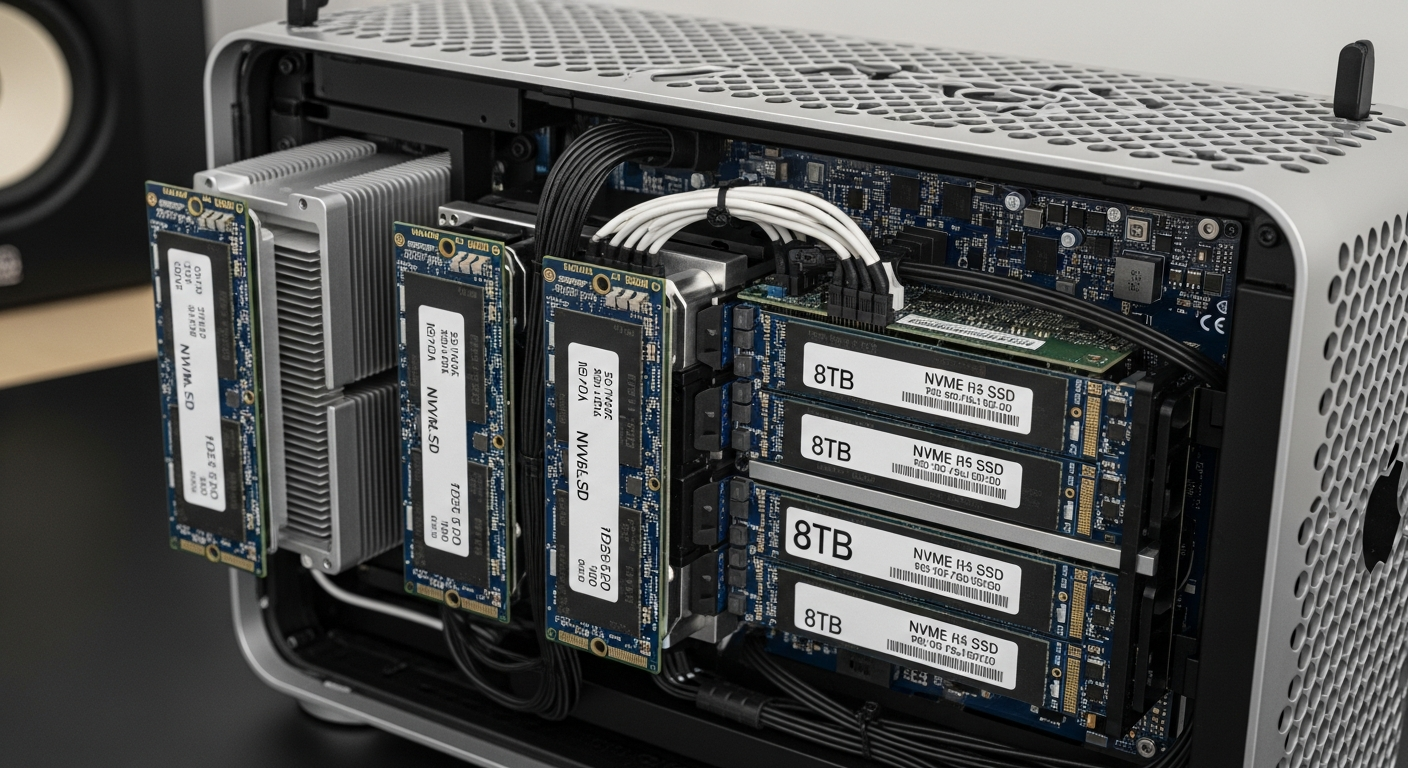
The Mac Pro has two proprietary SSD slots that support Apple's T2-connected SSDs up to 8 TB. These are fast (around 2.8 GB/s read) but expensive. You can also install standard M.2 NVMe drives using PCIe adapter cards in the Mac Pro's PCIe slots. I use a Sonnet M.2 4x4 adapter that holds four NVMe drives in a single PCIe slot.
This gives me fast local storage for active projects without paying Apple's premium for their proprietary modules.
Thunderbolt Storage
For larger capacity, Thunderbolt 3 external enclosures provide high-speed connectivity. A multi-bay Thunderbolt enclosure with RAID can deliver sustained read/write speeds of 1.5 GB/s or more, which is fast enough for most production workloads.
I use a Thunderbolt RAID enclosure with four 18 TB drives in RAID 5 for media storage. It connects to the Mac Pro at full Thunderbolt 3 speed and appears as a local volume in macOS.
Network Storage
For bulk storage that needs to be accessible from multiple machines, NFS and SMB shares from my Dell servers are the best option. The Mac Pro connects to my ZFS storage server over 10GbE, which provides close to 1 GB/s sustained throughput.
macOS works well with NFS shares if you configure the mount options correctly. I use automount with specific NFS options tuned for performance:
nfs://10.0.20.10/storage/media -o rw,resvport,nfc,hard,intr
The Hierarchy
My storage hierarchy mirrors what you would see in a professional post-production environment: fast internal NVMe for active projects, Thunderbolt RAID for near-line storage, and network storage for archive and bulk data. Each tier balances speed, capacity, and cost differently.