Network Access Control with 802.1X
802.1X port authentication ensures that only authorized devices can connect to your network. Here is how to implement it with a RADIUS server.
The Problem 802.1X Solves
Without port authentication, anyone who can physically plug into a network jack can access the network. Visitors, contractors, attackers with physical access, or unauthorized personal devices all become part of the network the moment they connect a cable or join WiFi.
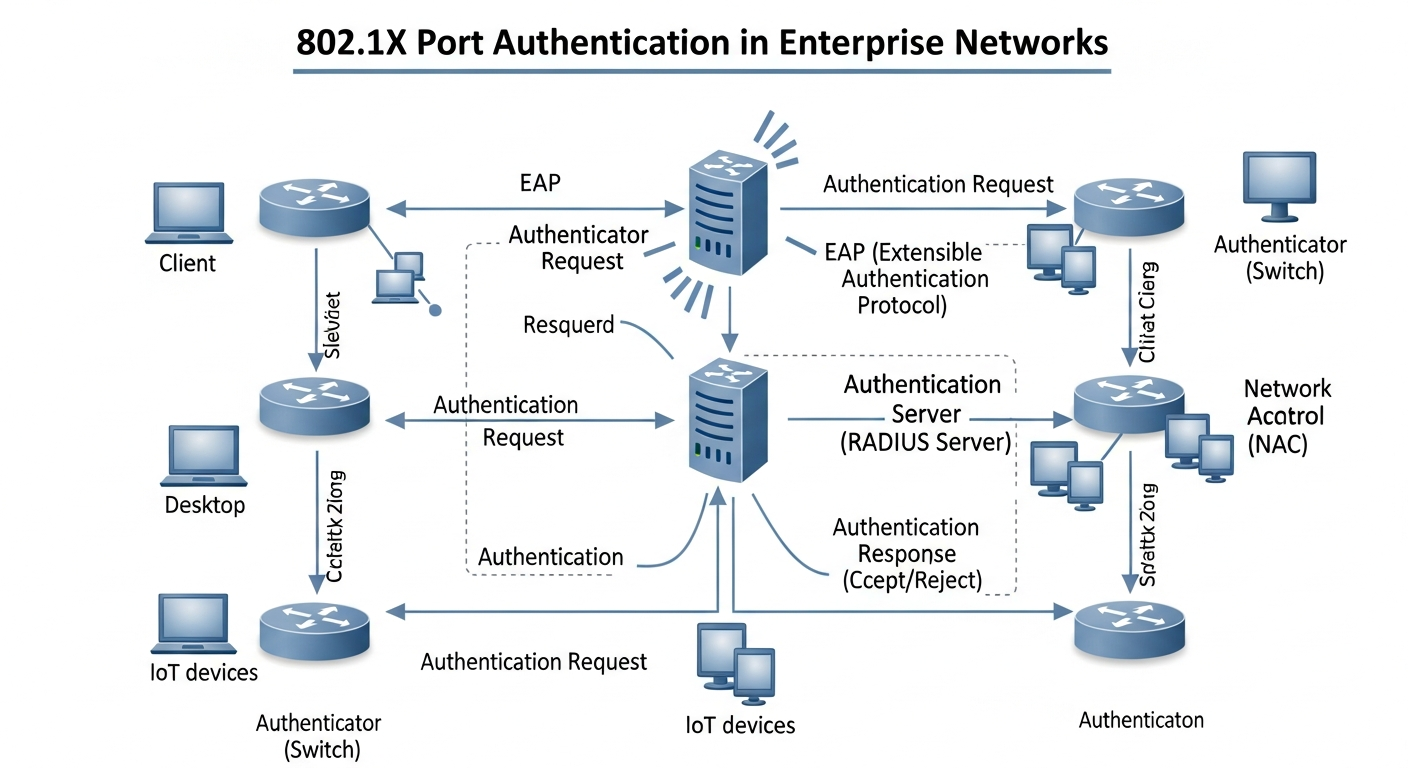
802.1X requires every device to authenticate before it receives network access. Until authenticated, the port only allows RADIUS traffic. After authentication, the port is placed in the appropriate VLAN for that device.
The Three Components
Supplicant: The device trying to connect. Must have an 802.1X client (built into Windows, macOS, and Linux).
Authenticator: The network switch or wireless AP. It enforces the authentication requirement and relays credentials to the RADIUS server.
Authentication Server (RADIUS): Validates credentials and tells the switch what access to grant. FreeRADIUS is the standard open-source option.
Basic FreeRADIUS Setup
# Install
apt install freeradius

# Add clients (the switches that will query RADIUS)
# In /etc/freeradius/3.0/clients.conf:
client switch1 {
  ipaddr = 192.168.1.10
  secret = radius-secret-here
}

# Add users (or integrate with Active Directory)
# In /etc/freeradius/3.0/users:
jsmith  Cleartext-Password := "password123"
Cisco Switch Configuration
aaa new-model
aaa authentication dot1x default group radius
dot1x system-auth-control

radius server RADIUS-SRV
  address ipv4 192.168.1.50 auth-port 1812
  key radius-secret-here

interface GigabitEthernet1/0/1
  authentication port-control auto
  dot1x pae authenticator
Dynamic VLAN Assignment
The real power of 802.1X is RADIUS-based VLAN assignment. Employees get the corporate VLAN; contractors get the guest VLAN. This happens automatically based on credentials, without manual VLAN configuration per port.
Configure RADIUS to return VLAN attributes in the Access-Accept response, and the switch automatically places the port in the correct VLAN.