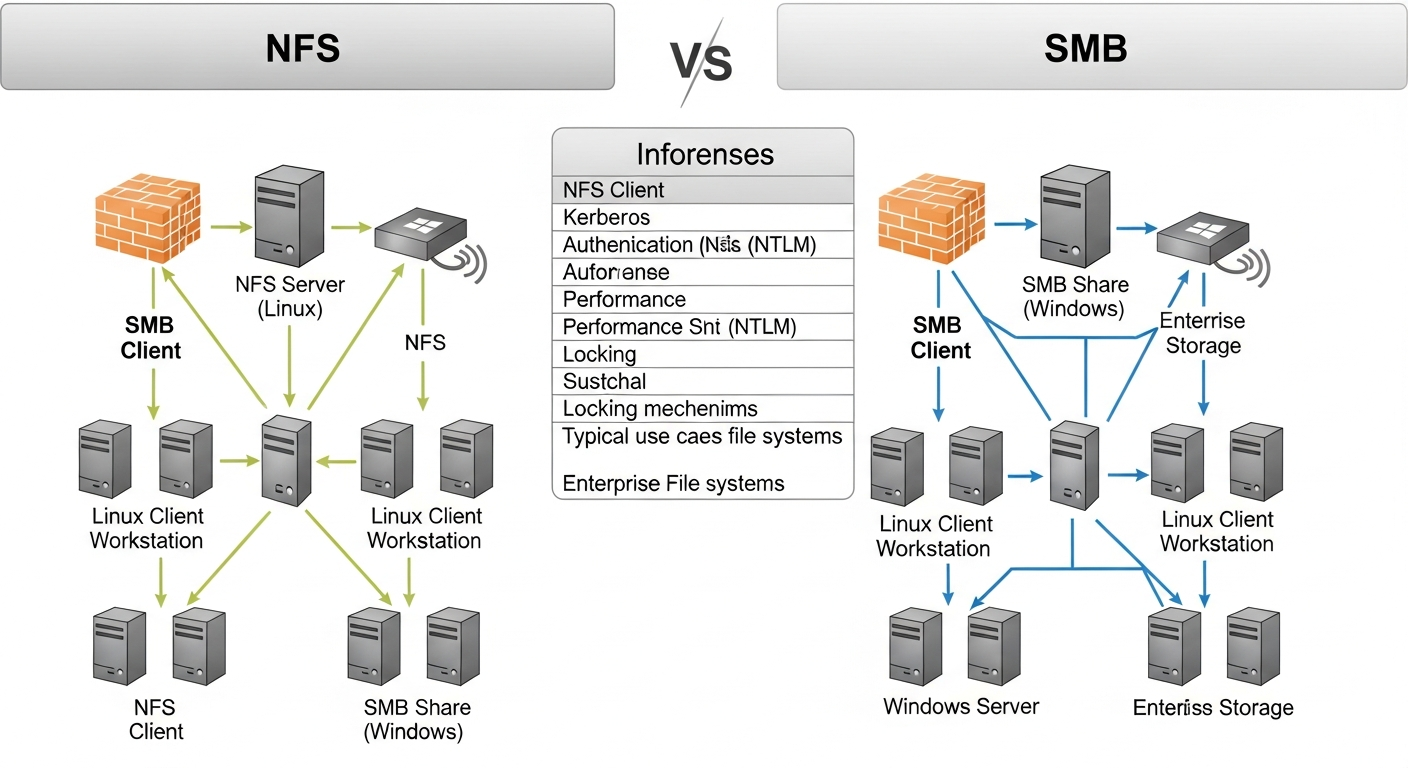
NFS vs SMB: Choosing the Right Network Filesystem
NFS and SMB both share files over a network, but they are designed for different environments. Here is how to choose between them.
The Basic Difference
NFS (Network File System) is a Unix/Linux protocol. SMB (Server Message Block, also called CIFS) is a Windows protocol. Both allow clients to mount remote filesystems as if they were local, but they have different strengths and trade-offs.
When to Use NFS
NFS is the right choice for Linux-to-Linux file sharing. It is the standard for NAS shares in Linux environments, VM storage, and shared filesystems in HPC (high-performance computing) clusters.
Advantages:
- Very low overhead, efficient for large file I/O
- Native integration with Linux permissions and UID/GID mapping
- Excellent performance for sequential workloads
- NFSv4 adds strong security, locking, and delegation
Limitations:
- Not natively supported on Windows (requires additional software)
- User ID mapping can be complex in mixed environments
# Mount an NFS share on Linux
mount -t nfs 192.168.1.50:/data /mnt/data

# Permanent mount in /etc/fstab
192.168.1.50:/data  /mnt/data  nfs  defaults,_netdev  0  0
When to Use SMB
SMB is the right choice when Windows clients are involved. It is the native protocol for Windows file sharing and is well-supported on macOS as well. Samba implements SMB on Linux, allowing Linux servers to serve files to Windows clients.
Advantages:
- Native on Windows and macOS
- Supports Windows ACLs and Active Directory integration
- Works well across mixed environments
Limitations:
- Higher overhead than NFS for Linux-only environments
- Active Directory integration requires additional configuration
Performance Comparison
For pure Linux workloads, NFS consistently outperforms SMB for large sequential reads and writes. For random I/O with many small files, the difference narrows. For mixed environments with Windows clients, SMB is the practical choice regardless of the performance difference.
My Setup
I use NFS for VM storage and Linux data shares in my lab. Windows VMs that need shared storage use SMB served from TrueNAS, which supports both protocols from the same storage pool.