OSPF: The Interior Routing Protocol That Powers Enterprise Networks
OSPF is the most common interior gateway protocol in enterprise environments. Here is how it works and how to configure it correctly.
What OSPF Does
OSPF (Open Shortest Path First) is a link-state routing protocol. Every router running OSPF builds a complete map of the network topology (the Link State Database) and uses Dijkstra's algorithm to calculate the shortest path to every destination. This is different from distance-vector protocols like RIP, where routers only know what their neighbors tell them.
Key Concepts
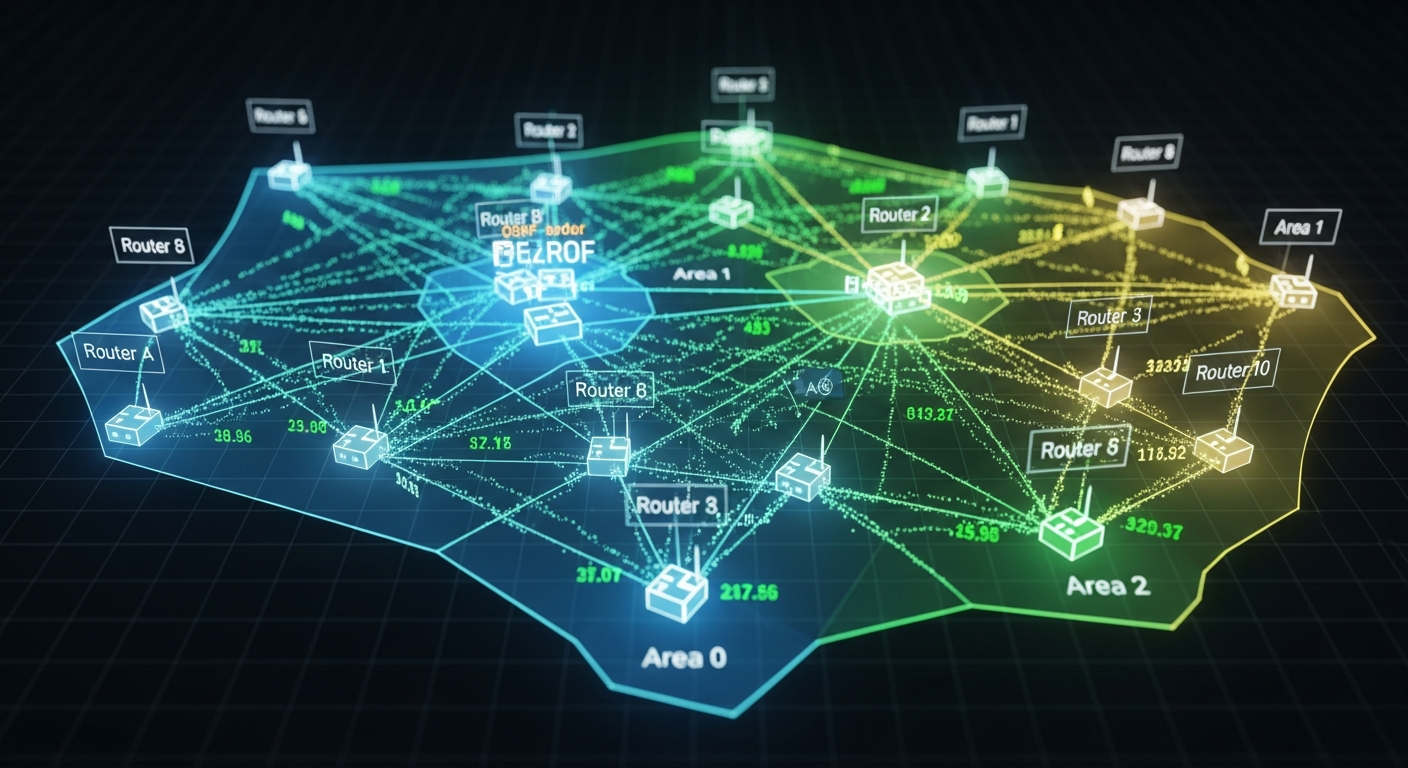
Areas: OSPF divides networks into areas to limit the scope of topology information. Area 0 is the backbone. All other areas must connect to Area 0. This design keeps routing databases from growing too large in big networks.
DR and BDR: On multi-access networks like Ethernet, OSPF elects a Designated Router (DR) and Backup DR (BDR). These routers reduce OSPF traffic by acting as a hub for LSA flooding. Routers form adjacencies with the DR/BDR rather than with every other router.
Metric (Cost): OSPF uses cost as its metric, calculated as a reference bandwidth divided by interface bandwidth. By default, the reference bandwidth is 100 Mbps, which means gigabit and faster interfaces all get cost 1. Always configure the reference bandwidth to match your fastest links.
Basic Configuration (Cisco)
router ospf 1
  router-id 1.1.1.1
  auto-cost reference-bandwidth 10000  ! Reference 10Gbps
  network 10.0.0.0 0.255.255.255 area 0
  passive-interface GigabitEthernet0/1  ! Don't send hellos on this interface
Tuning Hello and Dead Intervals
OSPF uses hello packets to detect neighbor failures. The default hello interval is 10 seconds, dead interval 40 seconds. In a lab or point-to-point environment, you can reduce these for faster convergence:
interface GigabitEthernet0/0
  ip ospf hello-interval 5
  ip ospf dead-interval 15
OSPF Authentication
Always configure OSPF authentication in production to prevent unauthorized routers from injecting routes:
interface GigabitEthernet0/0
  ip ospf authentication message-digest
  ip ospf message-digest-key 1 md5 secretpassword