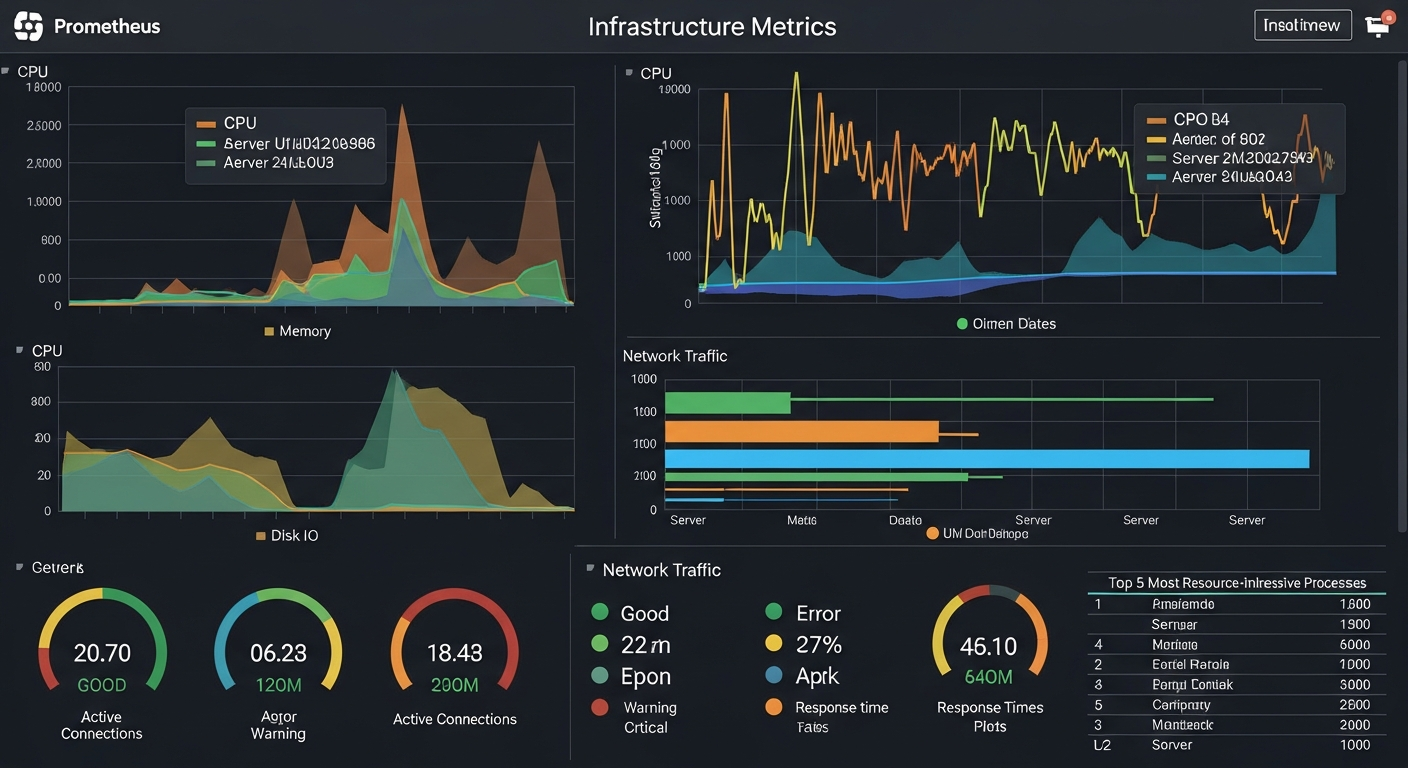
Monitoring Infrastructure with Prometheus and Grafana
Prometheus and Grafana together provide powerful, flexible infrastructure monitoring. Here is how to get a production-quality monitoring setup running.
Why Prometheus
Prometheus is a time-series database and monitoring system designed for dynamic environments. Unlike traditional monitoring tools that push metrics to a central server, Prometheus pulls (scrapes) metrics from target endpoints. This pull model makes it easy to add and remove targets without reconfiguring the monitoring server.
The query language (PromQL) is powerful and expressive. You can aggregate, transform, and calculate derived metrics that reveal system behavior not visible in raw numbers.
Setting Up Prometheus
# prometheus.yml
global:
  scrape_interval: 15s

scrape_configs:
  - job_name: 'node'
    static_configs:
      - targets: ['server1:9100', 'server2:9100', 'server3:9100']

  - job_name: 'proxmox'
    static_configs:
      - targets: ['proxmox:9090']
Node Exporter
Install the Prometheus Node Exporter on every Linux server you want to monitor. It exposes hundreds of system metrics including CPU, memory, disk I/O, network, and filesystem usage.
# Install and start
apt install prometheus-node-exporter
systemctl enable prometheus-node-exporter

# Verify it is running
curl http://localhost:9100/metrics
Useful PromQL Queries
# CPU usage percentage
100 - (avg by (instance) (rate(node_cpu_seconds_total{mode="idle"}[5m])) * 100)

# Memory usage
(node_memory_MemTotal_bytes - node_memory_MemAvailable_bytes) / node_memory_MemTotal_bytes * 100

# Disk I/O utilization
rate(node_disk_io_time_seconds_total[5m]) * 100

# Network traffic
rate(node_network_receive_bytes_total[5m])
Alerting with Alertmanager
# alert_rules.yml
groups:
  - name: servers
    rules:
      - alert: HighCPU
        expr: cpu_usage > 90
        for: 5m
        labels:
          severity: warning
        annotations:
          summary: "High CPU on {{ $labels.instance }}"
Pair Alertmanager with routing rules to send alerts to email, Slack, or PagerDuty based on severity and team ownership.