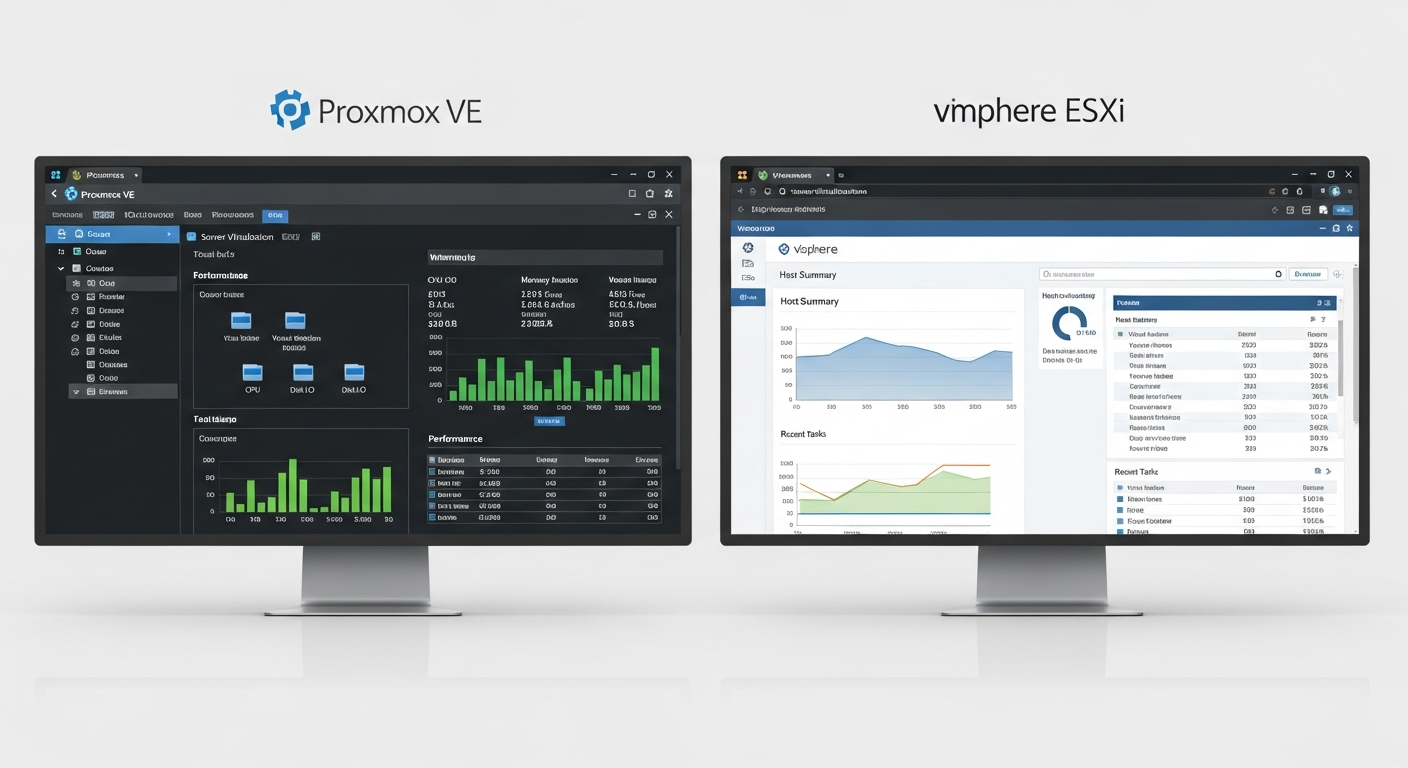
Proxmox vs ESXi: Which Hypervisor for a Homelab
I have run both Proxmox and VMware ESXi in my lab. Here is how they compare for real workloads.
The Two Contenders
VMware ESXi has been the gold standard for enterprise virtualization for years. Proxmox VE is the open-source alternative that has been gaining traction, especially in the homelab community. I have run both extensively, and the choice between them depends on what you are optimizing for.
ESXi: The Enterprise Standard
ESXi is polished. The vSphere client is fast and well-organized. vMotion (live migration) works flawlessly. The ecosystem of third-party tools and integrations is massive. If you are studying for VMware certifications or want to match what most enterprises run, ESXi is the obvious choice.
The downside is licensing. VMware's free tier has become increasingly limited, and the paid licenses are expensive for a homelab. The acquisition by Broadcom has added uncertainty about future pricing and availability. For a lab where you are experimenting freely, licensing friction is a real concern.
Proxmox: The Open-Source Powerhouse
Proxmox VE is built on Debian Linux with KVM for virtual machines and LXC for containers. It is completely free to use with no feature limitations. The web interface is functional, and you get full command-line access to the underlying Linux system, which means you can do anything the OS can do.
Proxmox also has native ZFS support, which is a big deal if you care about data integrity and storage flexibility. You can create ZFS pools directly from the Proxmox interface and use them for VM storage.
My Experience
I ran ESXi for a year before switching most of my lab to Proxmox. The switch was driven by three things: licensing costs, ZFS support, and the flexibility of having a full Linux system underneath.
Proxmox handles my workloads just as well as ESXi did. VM performance is effectively identical (both use hardware virtualization). Live migration works, though it requires a shared storage backend. Backups are straightforward with Proxmox Backup Server, which is another free tool from the same team.
What I Miss from ESXi
The vSphere client is genuinely better than the Proxmox web UI. It is more responsive, more polished, and handles large environments more gracefully. VMware's snapshot management is also more intuitive, and vMotion is slightly more reliable than Proxmox's live migration in my experience.
Bottom Line
For a homelab, Proxmox wins on value. You get enterprise-class virtualization with no licensing restrictions, native ZFS, and full Linux flexibility. For enterprise environments or certification study, ESXi remains the standard. There is no wrong choice. Pick the one that matches your goals.