RAID Levels Explained: When to Use Each One
A practical comparison of RAID levels with real performance and reliability tradeoffs from my lab experience.
What RAID Does
RAID (Redundant Array of Independent Disks) combines multiple physical drives into a logical unit for performance, redundancy, or both. The RAID level determines how data is distributed across the drives and how many drives can fail before data is lost.
RAID 0: Speed, No Safety
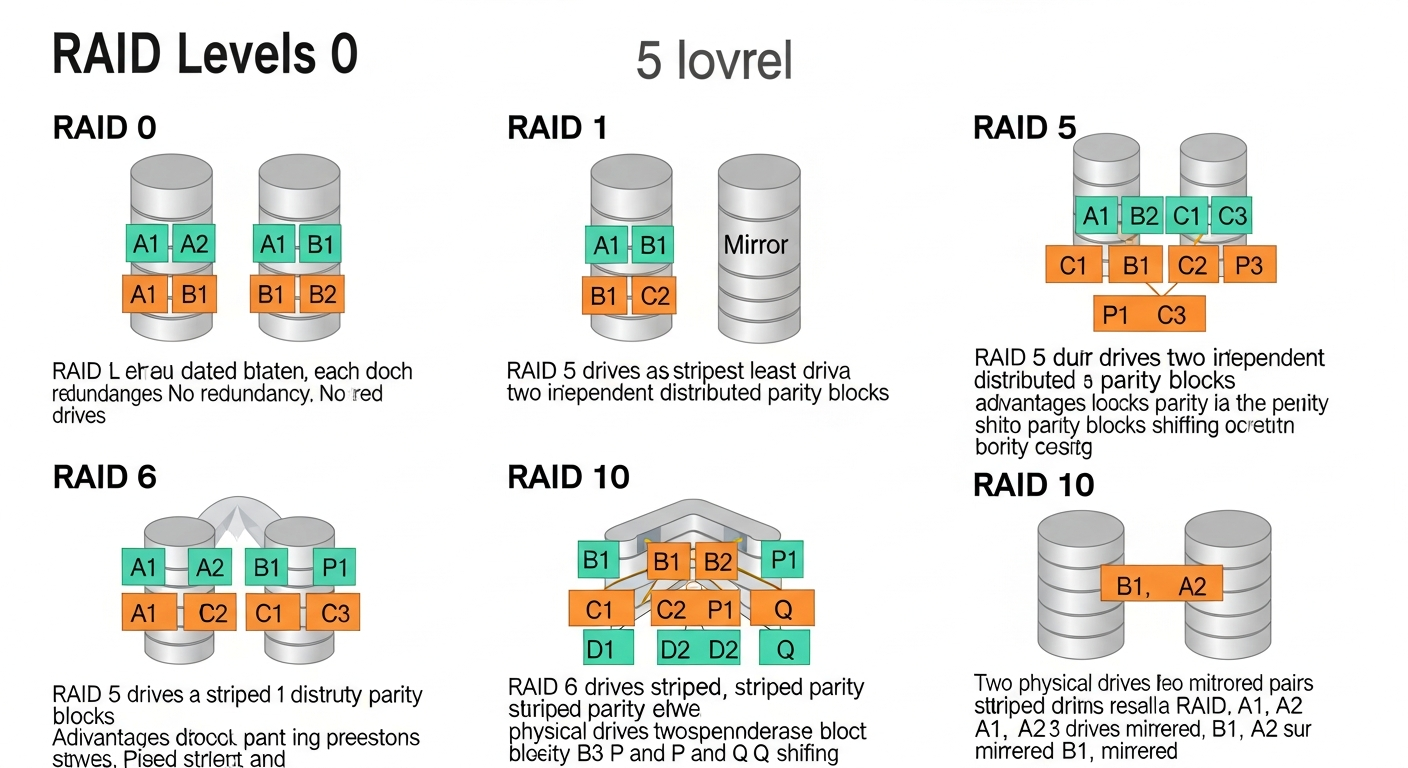
RAID 0 stripes data across all drives with no redundancy. You get the combined capacity and performance of all drives, but if any single drive fails, all data is lost. I use RAID 0 for temporary scratch space where speed matters and the data is expendable.
RAID 1: Simple Mirror
RAID 1 mirrors data across two drives. You get the capacity of one drive with the read performance of two. If either drive fails, the other has a complete copy. I use RAID 1 for boot drives on my servers because simplicity and reliability matter more than capacity.
RAID 5: Balance
RAID 5 stripes data across three or more drives with one drive's worth of parity. Any single drive can fail without data loss. You lose one drive's worth of capacity to parity. RAID 5 is popular but has a dangerous weakness: during a rebuild after a drive failure, a second failure means total data loss. With modern large drives, rebuilds take hours or days.
RAID 6: Better Safety
RAID 6 is like RAID 5 but with double parity. Any two drives can fail simultaneously without data loss. I prefer RAID 6 over RAID 5 for any array larger than four drives because the probability of a second failure during a rebuild is higher than most people realize.
RAID 10: Performance and Redundancy
RAID 10 combines mirroring and striping. Pairs of drives are mirrored, and the mirrors are striped together. You get excellent read and write performance with the ability to survive at least one drive failure per mirror pair. The downside is that you lose 50% of your total capacity.
I use RAID 10 for VM storage where I/O performance is the priority. Random read and write performance on RAID 10 is significantly better than RAID 5 or 6.
Software RAID vs Hardware RAID
Hardware RAID controllers (like Dell's PERC cards) handle RAID in dedicated hardware. Software RAID (like Linux mdadm or ZFS RAIDZ) does it in the CPU. Modern CPUs are fast enough that software RAID performs comparably to hardware RAID for most workloads, and software RAID gives you more flexibility and visibility into what the array is doing.
I use ZFS RAIDZ2 (which is conceptually similar to RAID 6) for my bulk storage and hardware RAID 1 for boot drives.