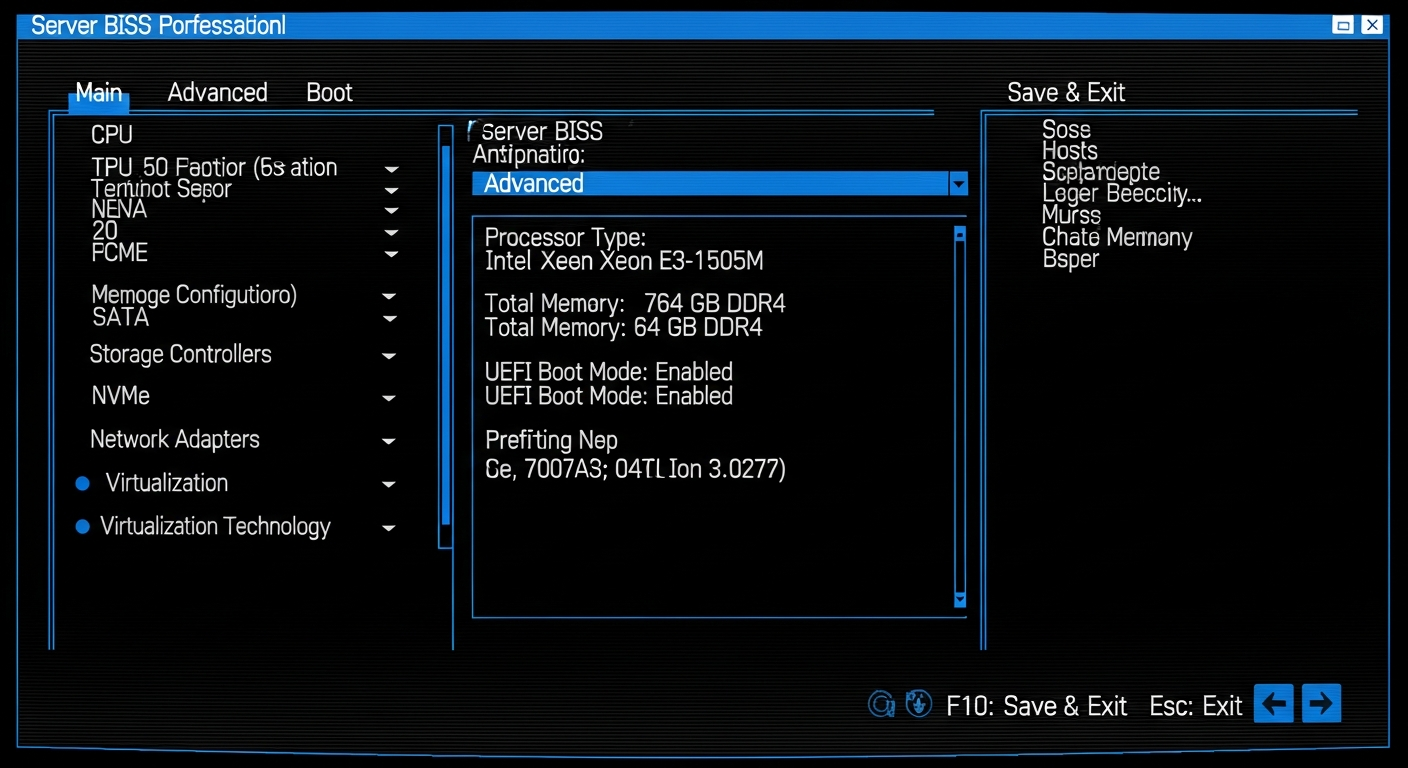
Server BIOS Settings That Actually Matter
The BIOS settings I configure on every server and why each one makes a difference for performance and reliability.
Why BIOS Settings Matter
Server BIOS settings control how the hardware behaves at the lowest level. A misconfigured BIOS can leave performance on the table, cause stability issues, or create security vulnerabilities. Most people never touch BIOS settings after initial setup, which means they are running with defaults that may not match their workload.
System Profile
Dell servers offer system profiles that bundle related settings. The most important choice is between "Performance" and "Performance Per Watt (OS)." Performance mode runs CPUs at maximum frequency regardless of load. Performance Per Watt lets the OS manage frequency scaling, saving power during idle periods.
For virtualization workloads, I use "Performance Per Watt (OS)" because my servers are not constantly under full load. The power savings are real, and the performance impact is minimal because the OS scales frequency up instantly when load increases.
Memory Settings
Memory interleaving should be enabled for maximum memory bandwidth. This spreads memory access across all channels evenly. I also enable ECC error logging so any memory errors are recorded in the system event log and trigger alerts through iDRAC.
Memory operating mode should be set to "Optimizer Mode" for best performance. "Mirror Mode" provides memory redundancy at the cost of half the usable capacity, which is only worth it for mission-critical production servers.
Virtualization
If you are running a hypervisor, enable Intel VT-x (or AMD-V) and VT-d (or AMD-Vi). VT-x provides hardware-assisted CPU virtualization, and VT-d enables direct device passthrough to virtual machines. Both are required for modern hypervisors to work at full performance.
Boot Configuration
Set the boot mode to UEFI rather than Legacy BIOS. UEFI is faster, supports larger disks, and provides Secure Boot capabilities. Unless you are running a very old operating system, there is no reason to use Legacy mode.
Power Redundancy
If your server has dual power supplies, set the power redundancy policy to "Redundant." This means the server distributes load across both PSUs and can survive the failure of either one. "Non-Redundant" uses all available power capacity but offers no protection against PSU failure.
Firmware Updates
Keep the BIOS firmware updated. Dell releases BIOS updates that fix bugs, improve stability, and patch security vulnerabilities. Use iDRAC or the Lifecycle Controller to apply updates without needing a bootable USB drive.