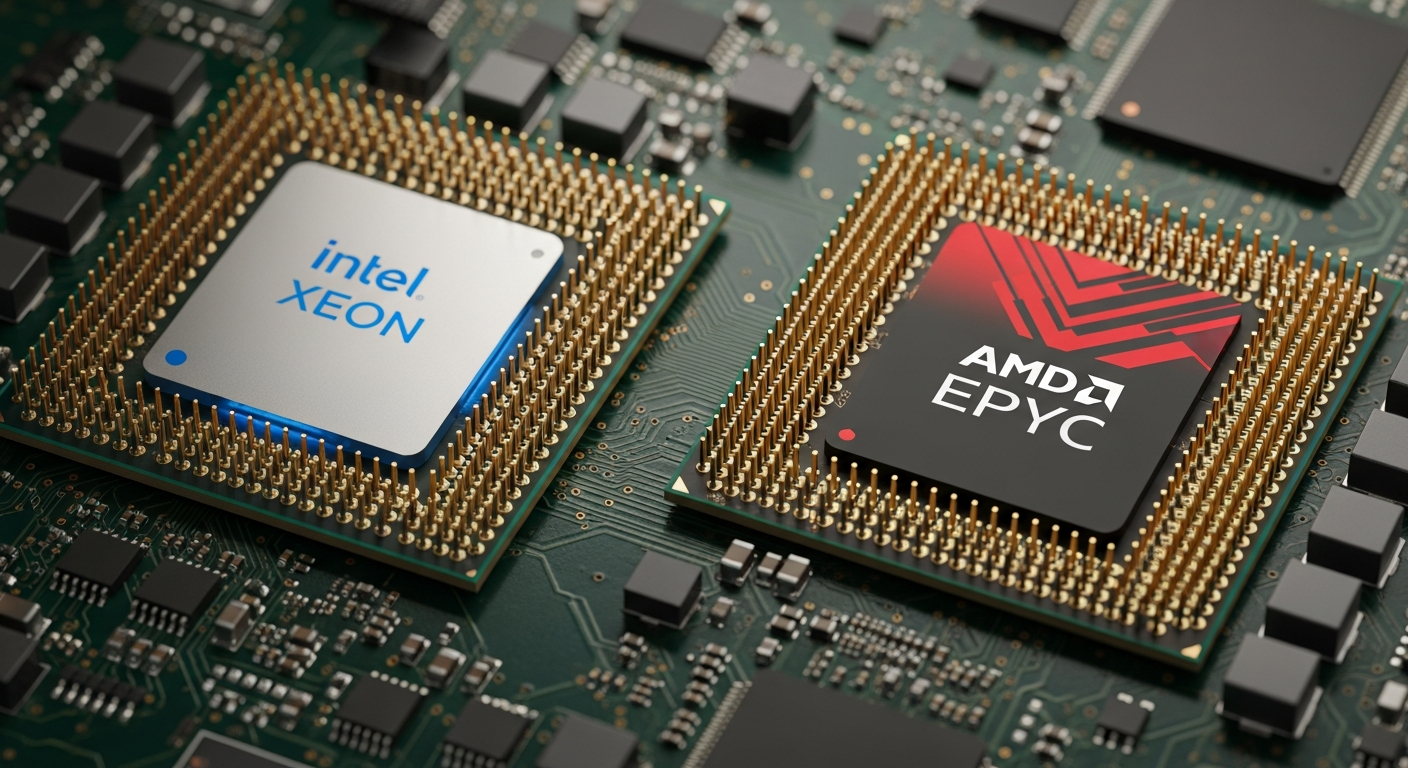
Choosing the Right Server CPU: Xeon, EPYC, and Apple
A guide to picking the right processor for your server workload, covering Intel Xeon, AMD EPYC, and Apple's approach.
Intel Xeon
Xeon has been the default server CPU for decades. The current Xeon Scalable lineup (Sapphire Rapids and beyond) offers high core counts, massive memory support, and a mature ecosystem. Every server vendor, every hypervisor, and every enterprise application is tested and certified on Xeon.
For a homelab, used Xeon processors from the previous generation (Cascade Lake, Skylake-SP) offer incredible value. A 24-core Xeon Gold that cost thousands new can be found for a fraction of that on the used market.
The Xeon ecosystem also means broad compatibility. BIOS updates, driver support, and firmware tools are all well-maintained by Intel and the server vendors.
AMD EPYC
EPYC has disrupted the server market significantly. The current generation offers more cores per socket, more PCIe lanes, and better performance per watt than Xeon in many workloads. AMD's chiplet architecture lets them scale core counts without the yields problems that monolithic designs face.
The downside is that EPYC is newer in the server space, and some enterprise software vendors are still catching up with certification and optimization. That gap is closing fast, but it is worth checking if your specific workloads are validated on EPYC.
For homelabs, EPYC is harder to find used and the platforms (motherboards, etc.) are less common on the secondary market. But if you are buying new, EPYC offers better value than Xeon at most price points.
Apple Xeon W
The Mac Pro uses Intel's Xeon W processors, which are essentially workstation-class Xeons. They offer high single-threaded performance and large cache sizes, making them good for workloads that do not scale perfectly across many cores.
The limitation is that the Mac Pro only supports a single socket. For workloads that benefit from dual-socket configurations (massive memory capacity, high core counts), Dell and HP platforms with dual Xeon or EPYC chips are the better choice.
What I Run
My main workloads are virtualization and storage, which benefit from high core counts and memory capacity. I run dual Xeon Gold 6248R processors in my primary R740, giving me 48 cores and 96 threads total. For my workloads, this is more than enough.
If I were building from scratch today, I would seriously consider EPYC for the core count and memory bandwidth advantages. But the used Xeon market is hard to beat on price, and the Dell PowerEdge ecosystem makes it easy to get started.
The Decision Framework
Pick your CPU based on your actual workload:
- Virtualization with many VMs: High core counts matter. EPYC or dual Xeon.
- Database workloads: Single-threaded performance matters. Xeon with high boost clocks.
- Media processing on macOS: Xeon W in a Mac Pro (or wait for Apple Silicon Mac Pro).
- Budget homelab: Used Xeon Gold on a Dell platform. Best value per dollar.