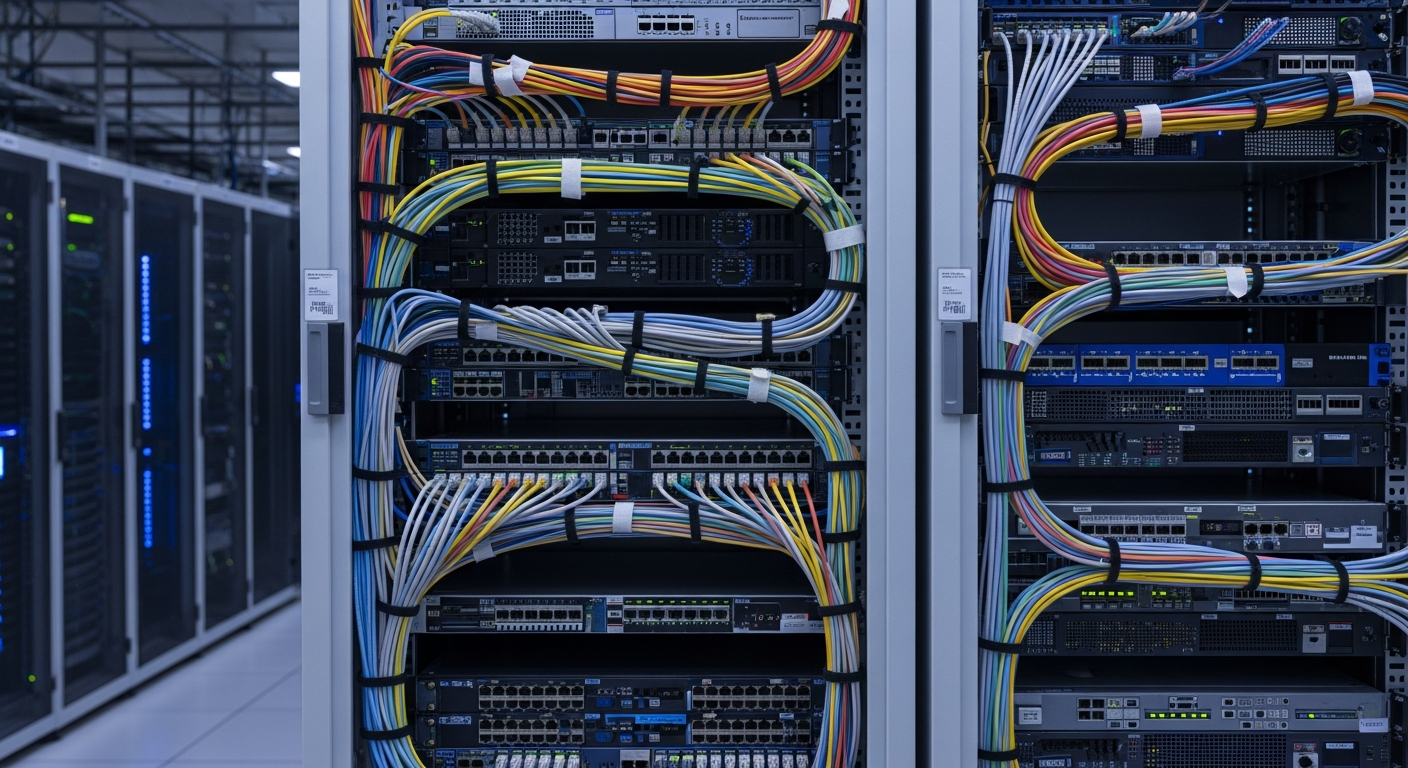
Cable Management in a Server Rack
Good cable management is not about aesthetics. It is about airflow, troubleshooting speed, and not hating yourself six months from now.
Why It Matters
Cable management in a server rack is one of those things that seems optional until you need to trace a cable at 2 AM during an outage. Or until your servers start overheating because a rats nest of cables is blocking half the airflow through the rack.
I have seen racks where every cable was a mystery. Nobody knew what connected where, and pulling one cable meant risking disconnecting something important. That is what bad cable management looks like in practice.
My Approach
Every cable in my rack serves a documented purpose. I label both ends of every cable with a label maker, using a consistent naming scheme. The label includes the source device, port, destination device, and port. It takes a few extra minutes during installation, and it saves hours during troubleshooting.
I route power cables on one side of the rack and data cables on the other. This keeps things organized and reduces electromagnetic interference, though at these distances EMI is rarely a real problem.
Velcro Over Zip Ties
I use velcro straps exclusively, never zip ties. Zip ties seem convenient until you need to add or remove a cable. Then you are cutting zip ties, potentially nicking other cables in the process, and replacing them all. Velcro straps can be opened, adjusted, and resealed in seconds.
Patch Panels
For Ethernet, I run all connections through a patch panel at the top of the rack. The servers connect to the rear of the patch panel with short cables, and the front of the patch panel connects to the switch with color-coded patch cables. This means I never need to reach behind a server to change a network connection.
Service Loops
I leave a small service loop of excess cable at each connection point. This gives me enough slack to pull a server forward on its rails for maintenance without disconnecting anything. It also means I can reroute cables if I rearrange equipment.
Power
Power cables get their own vertical cable manager on the right side of the rack. Each PDU (Power Distribution Unit) is mounted vertically, and power cables run straight from the PDU to the server's power supply. I use C13/C14 cables cut to the right length rather than coiling excess cable.