SSL/TLS Certificates: What They Are and How They Work
A practical explanation of TLS certificates, certificate authorities, and how to manage certificates on your own infrastructure.
What TLS Does
TLS (Transport Layer Security) encrypts communication between a client and a server. When you connect to a website over HTTPS, TLS ensures that nobody can read or modify the data in transit. It also verifies the identity of the server, so you know you are connected to the real site and not an impostor.
How Certificates Work
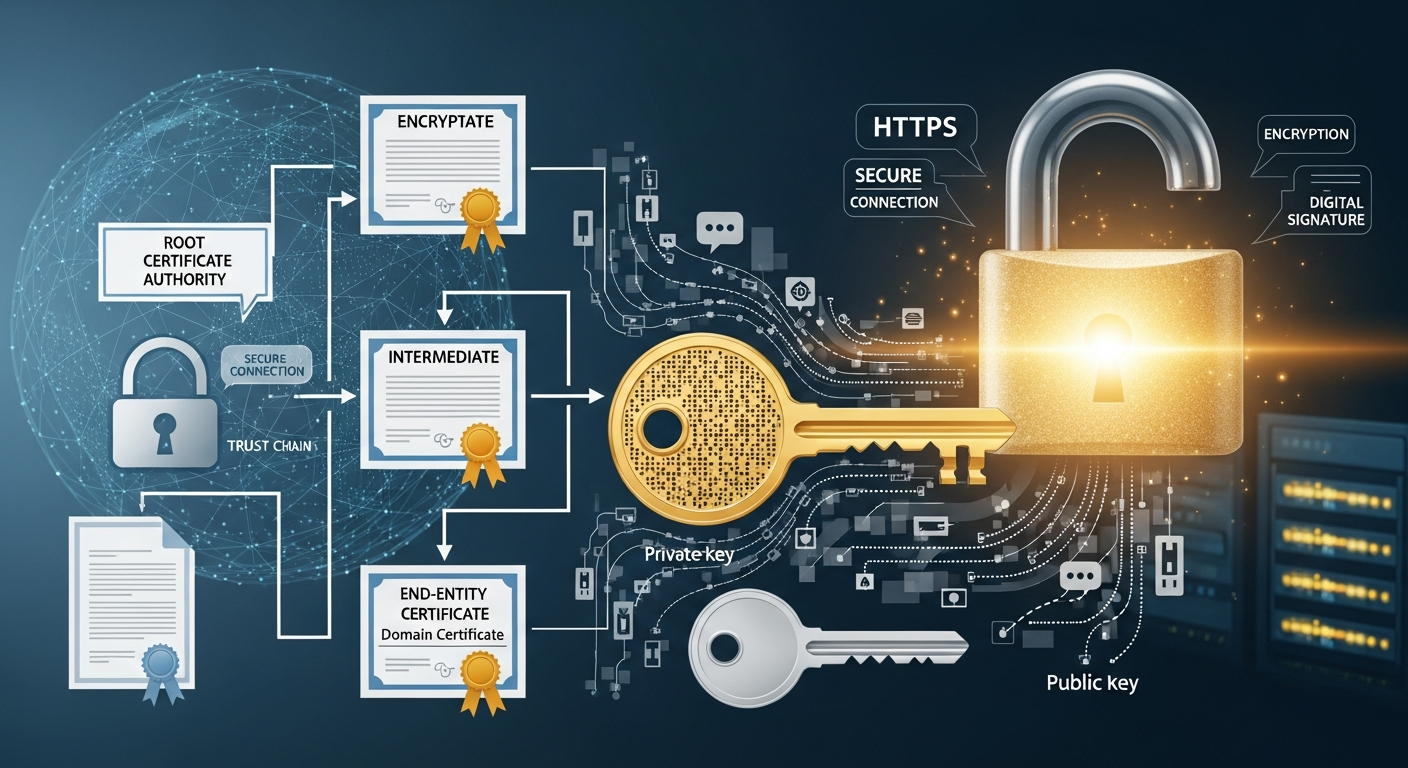
A TLS certificate is a digital document that binds a public key to a domain name (or IP address). The certificate is signed by a Certificate Authority (CA) that the client trusts. When a client connects, the server presents its certificate, the client verifies the CA's signature, and if everything checks out, they establish an encrypted connection.
The trust chain goes: client trusts CA -> CA signed the certificate -> certificate proves the server's identity.
Certificate Types
Domain Validated (DV): The CA verifies that you control the domain name. This is the most common type and what Let's Encrypt provides for free. Good for most use cases.
Organization Validated (OV): The CA also verifies that your organization exists. Adds the organization name to the certificate.
Extended Validation (EV): The CA performs thorough verification of the organization. Used to display the organization name in the browser's address bar (though most browsers have stopped showing this prominently).
Self-Signed Certificates
For internal infrastructure, I use self-signed certificates generated with my own internal CA. This means I do not need to expose internal services to the internet for domain validation, and I can issue certificates for any internal hostname or IP.
I set up a simple CA using openssl:
openssl req -x509 -newkey rsa:4096 -keyout ca-key.pem -out ca-cert.pem -days 3650 -nodes
I distribute the CA certificate to all internal machines so they trust certificates signed by my internal CA.
Let's Encrypt for Public Services
For any service exposed to the internet, I use Let's Encrypt certificates. They are free, automatically renewed, and trusted by all major browsers. Certbot handles the issuance and renewal process automatically.
Certificate Management
The biggest challenge with certificates is tracking expiration dates. An expired certificate causes service outages and browser warnings. I monitor certificate expiration with a simple script that checks each certificate's validity date and alerts me 30 days before expiration.