Troubleshooting Spanning Tree Protocol Issues
Real STP problems I have encountered and how I diagnosed them using show commands and packet captures.
STP Is Everywhere
Spanning Tree Protocol runs on every enterprise switch, usually without anyone thinking about it. It prevents Layer 2 loops by blocking redundant paths, and it is absolutely essential for network stability. But when STP goes wrong, it goes wrong fast.
The Broadcast Storm
The worst STP failure I experienced in my lab was a broadcast storm caused by a misconfigured port. I had a port set as a trunk that should have been an access port. When I connected a second cable between two switches (creating a physical loop), STP should have blocked one path. Instead, the misconfigured port did not participate in STP correctly, and the loop formed.
The result was immediate. Every device on the VLAN became unreachable. CPU utilization on the switches spiked to 100%. The switches were spending all their resources forwarding broadcast frames in an infinite loop.
Diagnosis
The first thing I checked was show spanning-tree:
LabSwitch# show spanning-tree vlan 20
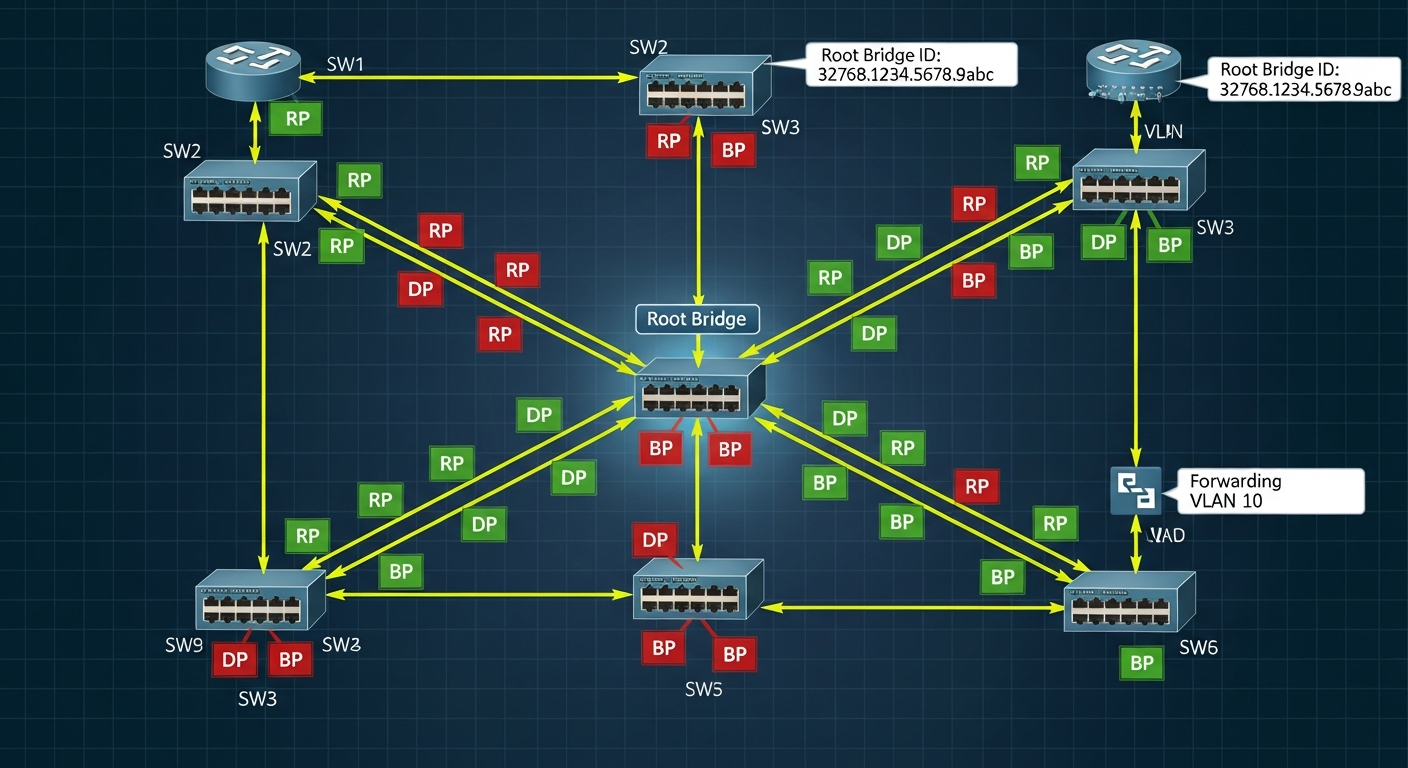
This showed me the root bridge, the port roles (root, designated, alternate, blocked), and the port states. The problem was immediately visible: the misconfigured port was not in a blocking state when it should have been.
Root Bridge Election
Every STP instance has a root bridge. The root bridge is the switch with the lowest bridge ID, which is a combination of priority and MAC address. In my lab, I set the priority on my core switch to ensure it is always the root bridge:
LabSwitch(config)# spanning-tree vlan 20 priority 4096
If you do not explicitly set a root bridge, the election is based on MAC addresses, which means a new switch with a lower MAC could take over as root and change your entire network topology.
PortFast and BPDU Guard
For access ports that connect to end devices (workstations, servers), PortFast skips the STP listening and learning states and brings the port to forwarding immediately. BPDU Guard disables the port if it receives a STP BPDU (Bridge Protocol Data Unit), which would indicate that someone plugged a switch into an access port.
LabSwitch(config-if)# spanning-tree portfast
LabSwitch(config-if)# spanning-tree bpduguard enable
These two features together prevent most common STP issues on access ports.