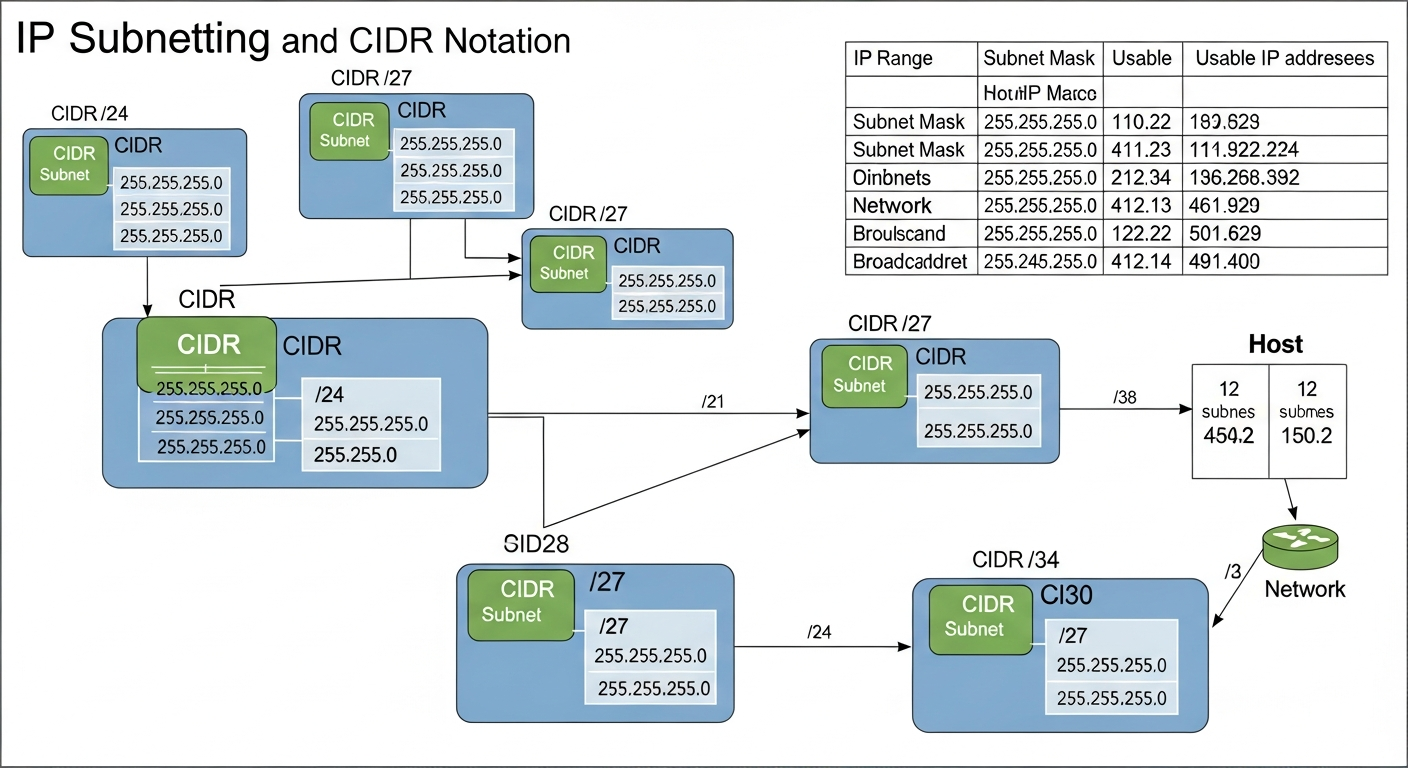
Subnetting Made Practical: A Real-World Guide
How I think about subnetting in practice, with real examples from my network instead of textbook exercises.
Why Subnetting Matters
Subnetting divides a large network into smaller, more manageable segments. Each subnet is its own broadcast domain, which means broadcast traffic stays within the subnet instead of flooding the entire network. This improves performance, security, and manageability.
In my lab, subnetting is how I give each VLAN its own address space and control routing between them.
CIDR Notation
CIDR (Classless Inter-Domain Routing) notation uses a slash followed by the number of bits in the network portion of the address. A /24 network has 256 addresses (254 usable). A /25 has 128 (126 usable). A /28 has 16 (14 usable).
The quick mental math: start with 32, subtract the CIDR number, raise 2 to that power. That is your total addresses. Subtract 2 for network and broadcast.
My Network Layout
I use 10.0.0.0/8 as my overall private address space, divided into /24 subnets for each VLAN:
- 10.0.10.0/24 for management (254 usable addresses, way more than I need, but clean)
- 10.0.20.0/24 for servers
- 10.0.30.0/24 for user devices
- 10.0.40.0/24 for IoT
- 10.0.50.0/24 for lab/testing
- 10.0.99.0/24 for guests
Using the third octet to match the VLAN ID makes the addressing scheme intuitive. If I see an IP starting with 10.0.40, I immediately know it is an IoT device.
VLSM in Practice
Variable Length Subnet Masking (VLSM) lets you use different subnet sizes within the same network. My management VLAN only has about 15 devices, so a /24 is wasteful. I could use a /28 (14 usable) and conserve address space.
In practice, I keep everything at /24 because simplicity matters more than address conservation in a private network. If I were designing a public-facing network with limited IP space, VLSM would be essential.
Common Mistakes
The most common subnetting mistake I see is overlapping subnets. If two VLANs have overlapping address ranges, routing breaks in confusing ways. Always plan your subnet layout on paper before configuring anything, and make sure every subnet uses a non-overlapping range.
The second most common mistake is forgetting the gateway. Every subnet needs a gateway address (usually .1) configured on the router or L3 switch for inter-subnet traffic to work.