Network Segmentation with VLANs: A Practical Guide
How I use VLANs to segment my home network into isolated zones for security, performance, and sanity.
What VLANs Actually Do
A VLAN (Virtual Local Area Network) lets you split a single physical switch into multiple logical networks. Devices on different VLANs cannot communicate directly, even if they are plugged into the same switch. Traffic between VLANs has to go through a router or layer-3 switch, where you can apply firewall rules and access controls.
This is the foundation of network segmentation, and it is how every serious network separates different types of traffic.
My VLAN Layout
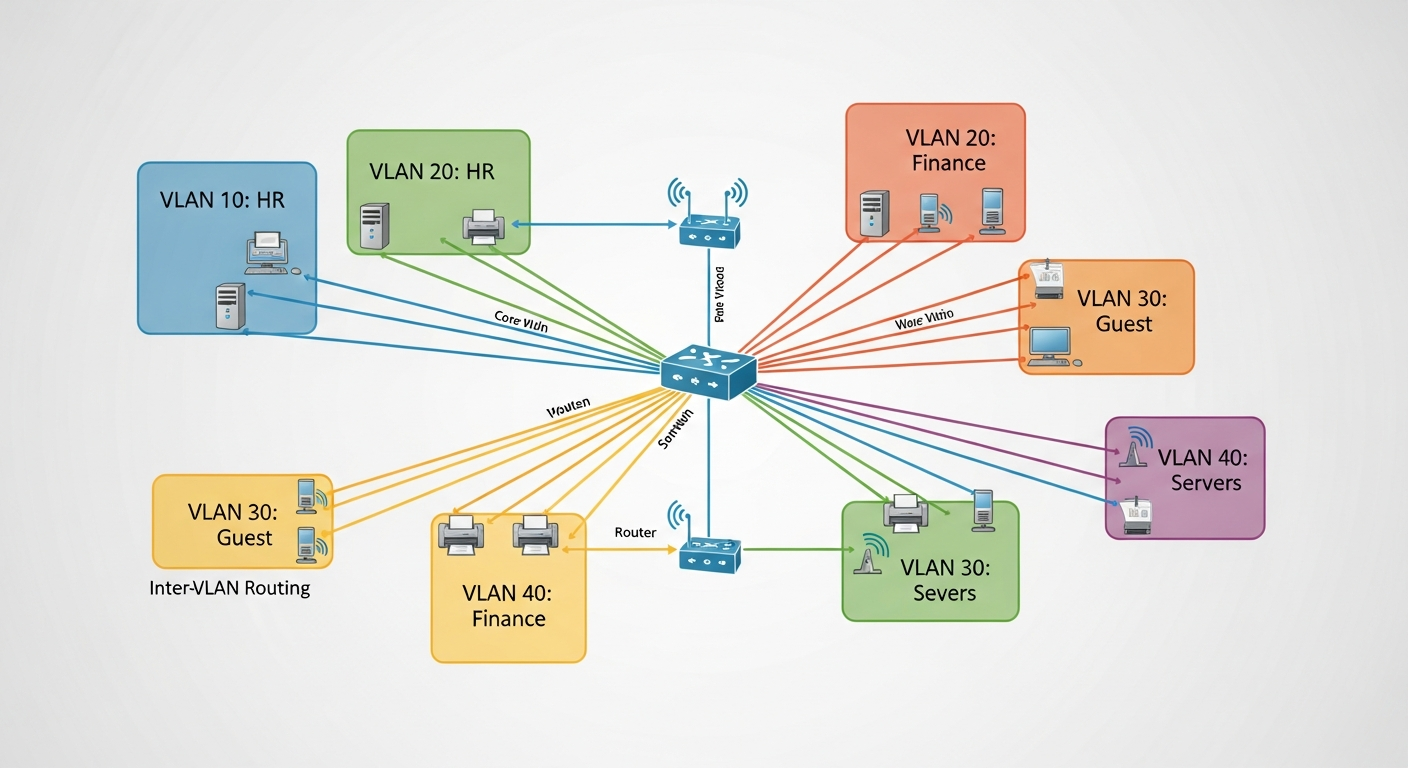
I run six VLANs in my homelab:
- VLAN 10: Management. iDRAC interfaces, switch management, UPS monitoring. Only accessible from my admin workstation.
- VLAN 20: Servers. Production server traffic. VMs, storage, and inter-server communication.
- VLAN 30: User devices. My workstations, laptops, and phones.
- VLAN 40: IoT. Smart home devices that have no business talking to my servers.
- VLAN 50: Lab/Testing. Isolated segment for experiments. Deliberately separated so a broken lab config cannot affect the rest of the network.
- VLAN 99: Guest. Internet-only access for visitors. No access to any internal resources.
Trunk Ports and Access Ports
The key to VLANs working is the difference between trunk ports and access ports. An access port belongs to a single VLAN and sends untagged traffic. A trunk port carries traffic from multiple VLANs, with each frame tagged with its VLAN ID.
Between my switches and router, I use trunk ports that carry all VLANs. Server ports are access ports assigned to VLAN 20. User device ports are access ports on VLAN 30. This keeps the configuration clean and predictable.
Inter-VLAN Routing
Traffic between VLANs goes through my FortiGate firewall. This lets me control exactly what crosses VLAN boundaries. My management VLAN can reach everything. My server VLAN can reach the internet. My IoT VLAN can reach the internet but nothing internal. My guest VLAN is completely isolated except for internet access.
Why This Matters
Without VLANs, every device on your network can potentially reach every other device. A compromised IoT camera could scan your servers. A guest's infected laptop could reach your NAS. VLANs prevent this by creating boundaries that require explicit permission to cross.
It takes some effort to set up, but once it is running, you have a network that is structured, secure, and much easier to troubleshoot because traffic flows are predictable.